Mastering the CPS Test: How to Click Faster and Break Records
Want to increase your Clicks Per Second? Learn the pro techniques, Jitter Clicking, Butterfly Clicking, and Drag Clicking, to dominate the CPS test.
Azeem Iqbal
Contributor
Mastering the CPS Test: How to Click Faster and Break Records
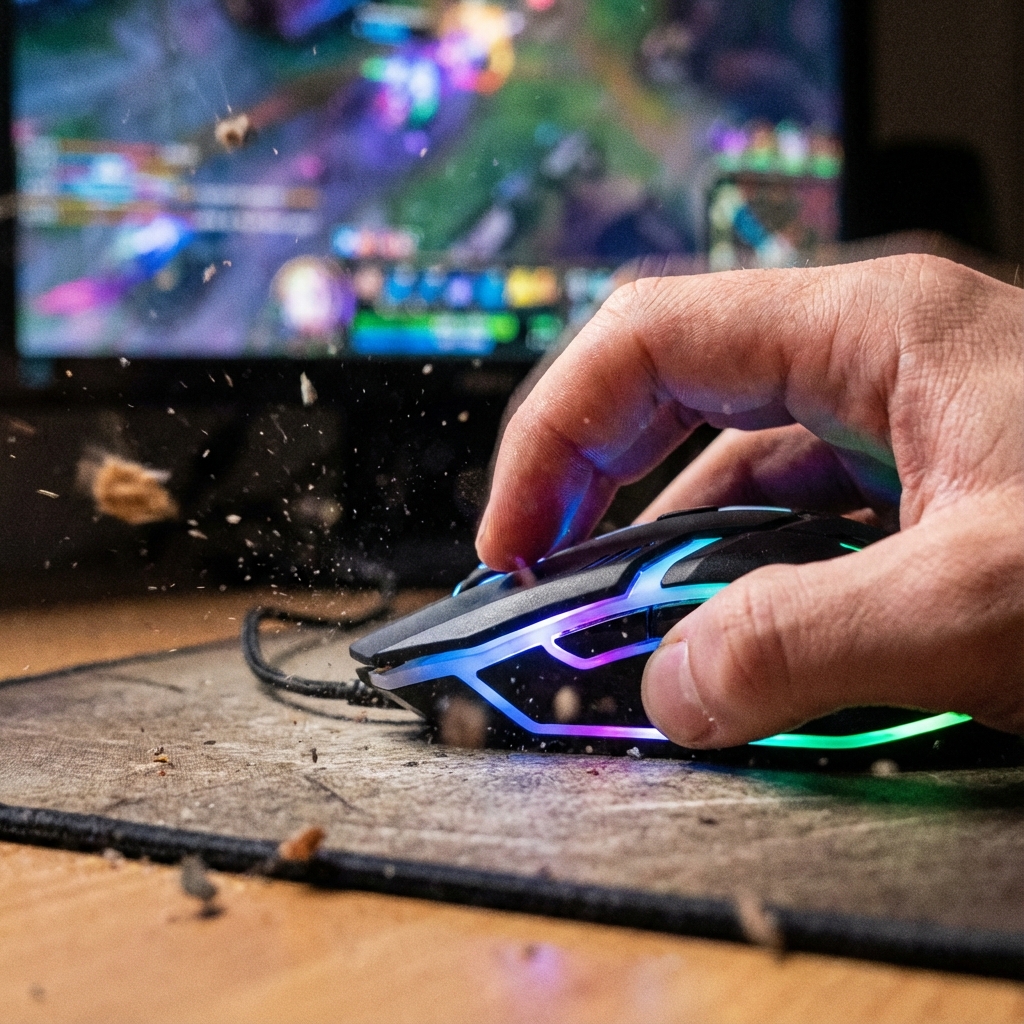
In the competitive world of gaming, specifically Minecraft PvP (Player vs Player) and FPS shooters, one metric reigns supreme: CPS, or Clicks Per Second. It sounds simple (how fast can you tap?), but achieving a high CPS score is an art form involving physics, hardware, and specialized finger gymnastics.
Whether you are trying to bridge faster in Bedwars, reduce knockback in a duel, or just want to brag to your friends, mastering the specific clicking techniques is essential. In this guide, we dive deep into the mechanics of clicking, the famous “Click Speed Test,” and how you can safely train to become a clicking machine.
What Exactly is the CPS Test?
The CPS Test is a standardized benchmark usually run on a website or app.
- The Goal: Click the designated area as many times as possible within a time limit.
- Standard Time: 10 seconds is the most common standard, but 1 second, 5 seconds, and 60 seconds are also popular modes.
- The Calculation: Total Clicks / Time = CPS. (e.g., 70 clicks in 10 seconds = 7.0 CPS).
While it seems like a raw speed test, it is actually a test of consistency. Maintaining a high speed for a full 10 seconds requires endurance. Most people burst fast for the first 2 seconds and then fatigue sets in.
The Hierarchy of Clicking Techniques
You cannot reach “God Tier” speeds (15+ CPS) with standard clicking. You need to adopt one of the following styles.
1. Normal Clicking (6 - 8 CPS)
This is how you use a computer daily. You use your index finger to press the button.
- Pros: High accuracy, low strain, easy to aim.
- Cons: Speed cap is very low. It is nearly impossible to pass 9 CPS with this method strictly physically.
2. Jitter Clicking (10 - 14 CPS)
This is the most common “pro” technique. Instead of using your finger muscle to click, you vibrate the muscles in your forearm and wrist. This vibration transfers down to your finger, causing it to “jitter” rapidly on the mouse.
- Technique: Tense your forearm until it shakes. Rest your finger lightly on the mouse. Aiming becomes difficult because your whole hand is shaking.
- Risk: High fatigue. Extended use can lead to RSI (Repetitive Strain Injury).
3. Butterfly Clicking (12 - 20+ CPS)
This technique uses two fingers (index and middle) on the same mouse button. You alternate lifting them (like a seesaw).
- The Secret: Many gaming mice have a “double click” phenomenon where one strike registers two inputs if hitting the switch at the right angle. Butterfly clicking exploits this.
- Pros: extremely fast; less arm strain than jittering.
- Cons: Requires a wide mouse buttons; hard to aim accurately; often banned on some competitive servers that detect “too consistent” double clicks.
4. Drag Clicking (25 - 50+ CPS)
The ultimate, arguably controversial method. You don’t “tap” the mouse at all. You drag your finger across the surface of the mouse button. The friction between your skin and the mouse texture causes the button to snap down and bounce back up dozens of times in a single drag.
- Hardware Requirement: Needs a mouse with a specific matte/rubberized texture (like Roccat or Glorious). Tape is often applied to increase friction.
- Use Case: God-bridging (building blocks under you while running). Not useful for PvP fighting as you cannot aim while dragging.
Hardware Matters: The Mouse
You cannot drag click on a cheap office mouse. If you are serious about CPS, look for these features:
- Mechanical Switches: Crisp, tactile switches (like Omron or Huano) that bounce back instantly.
- Debounce Time Software: This is critical. Debounce is a delay mice use to prevent accidental double clicks. To get high CPS, you need a mouse that lets you lower the debounce time to 0ms or 4ms.
- Shape: For butterfly clicking, you need a mouse with wide buttons. For jitter clicking, a smaller mouse often works better for grip.
How to Improve Your Score (Safely)
Improving your CPS is like training for a sprint. You need warm-ups and practice.
Practice Strategy:
- The Burst: Practice 1-second tests. Try to hit 10 clicks. This trains your explosive speed.
- The Marathon: Practice 60-second tests. This trains your forearm endurance.
- Aim Training: High CPS is useless if you miss the target. Practice clicking while tracking a moving dot on your screen.
Health Warning: Preventing Carpal Tunnel
Gamers are prone to wrist injuries.
- Stretch: Stretch your fingers and wrists back before and after sessions.
- Posture: Keep your wrist straight, not bent at an angle on the desk edge.
- Pain = Stop: If you feel a sharp pain or numbering, stop immediately. No high score is worth permanent nerve damage.
Why Do We Obsess Over CPS?
Beyond the gaming utility, the CPS test satisfies our primal urge for quantified improvement. It provides immediate feedback. You try, you get 6.5. You try harder, you get 6.8. That dopamine hit of seeing the number go up is addictive.
It’s also a social benchmark. Sharing a screenshot of a 12.0 CPS run is a badge of honor in Discord servers. It proves dexterity, hardware knowledge, and dedication.
Conclusion
The Click Speed Test is more than just a fidgety distraction; it’s a competitive skill set with its own meta, hardware requirements, and physical techniques. Whether you choose to master the vibration of Jitter Clicking or the rhythm of Butterfly Clicking, remember that consistency spans longer than speed.
Ready to test your limits? Open our Tap Counter, set the timer to 10 seconds, and see where you rank. Good luck, and don’t break your mouse!
? Frequently Asked Questions
What is a CPS test?
What is the average CPS scores?
Is Jitter Clicking bad for your hand?
What is Butterfly Clicking?
Do different mice affect CPS?

About Azeem Iqbal
We are dedicated to providing accurate, easy-to-understand information. Our goal is to help you minimize effort and maximize results.