Building Your Own Tap Counter: A Beginner Coding Guide
Want to learn to code? A Tap Counter is the perfect 'Hello World' project. We break down the logic of building a simple clicker in HTML and JavaScript.

Sarah Jenkins
Productivity Systems Designer & Tally Specialist
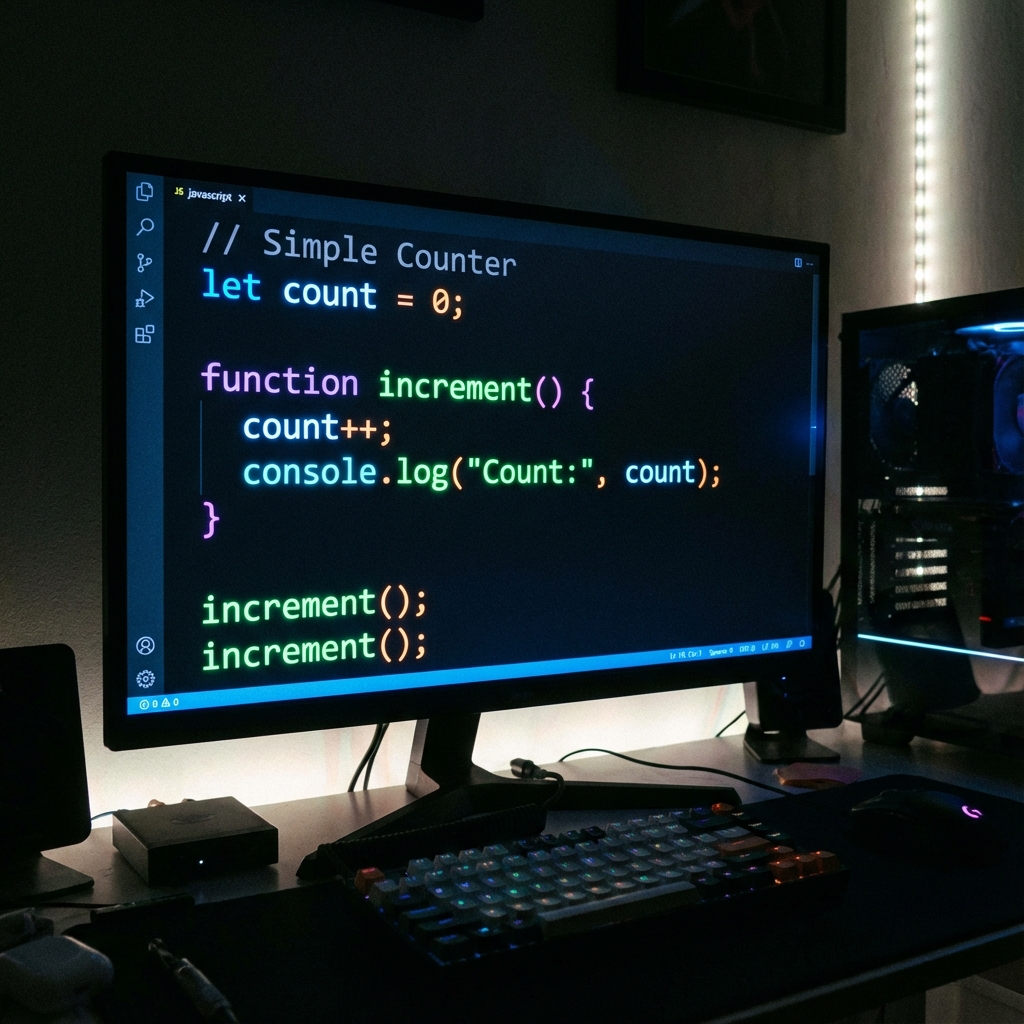
So, you want to be a web developer?
You could watch 50 hours of tutorials, or you could build something.
A Tap Counter is the canonical “First Project” for front-end developers. It covers all the basics: variables, functions, event listeners, and DOM manipulation.
In this guide, we won’t give you the copy-paste code. We will explain the logic of how a tap counter works under the hood.
The Logic flow
A counter app does three things:
- State: It remembers a number (e.g.,
count = 0). - Event: It waits for you to click a button.
- Update: When clicked, it does
count = count + 1and updates the screen.
Step 1: The HTML (The Skeleton)
You need a place to show the number and a button to click.
<h1>0</h1>
<button>Tap Me</button>
That’s it. It’s ugly, but it exists.
Step 2: The JavaScript (The Brain)
This is where the magic happens.
We need to tell the computer: “Hey, find that Button. When someone clicks it, grab the Number, add 1, and show it again.”
The code logic looks like this:
let count = 0; // The State

function increase() {
  count++; // Add 1
  document.getElementById("number").innerText = count; // Update Screen
}
Step 3: LocalStorage (The Memory)
The problem with the code above? If you refresh the page, the count goes back to 0.
To make a useful counter (like a Tasbeeh or row counter), it needs to remember.
Browsers have a tiny database called localStorage.
- Save: Every time we click, we tell the browser: “Save ‘count’ permanently.”
- Load: When the page loads, we ask: “Do you have a saved number?” If yes, start there.
Why This Project Matters
Building a tap counter teaches you the fundamental concept of State Management.
Whether you are building a To-Do list, a shopping cart, or Facebook, it’s all just fancy versions of a Tap Counter.
- Facebook Like Button? That’s a tap counter.
- Twitter Retweet count? That’s a tap counter.
- Amazon Cart Item count? That’s a tap counter.
Conclusion
Don’t just use tools, build them. Open a text file, write those ten lines of code, and watch your own custom counter come to life. It’s the first step into a larger world.
? Frequently Asked Questions
What language do I need to build a counter?
Is it hard?
How do I save the count?
About Sarah Jenkins
Sarah Jenkins is a Productivity Systems Designer and Tally Data Specialist with a background in Human-Computer Interaction (HCI). With over 10 years of experience consulting for logistics firms and organizational planners, she excels at simplifying complex tracking workflows into intuitive digital systems. Sarah's research focuses on how simple digital counting tools can drive meaningful behavioral changes and organizational efficiency in both personal and professional environments.