The Ultimate Guide to Tap Counters: Everything You Need to Know
Discover the world of tap counters. From physical clickers to digital apps, learn how these simple tools can boost productivity, accuracy, and focus.
Azeem Iqbal
Contributor
The Ultimate Guide to Tap Counters: Everything You Need to Know
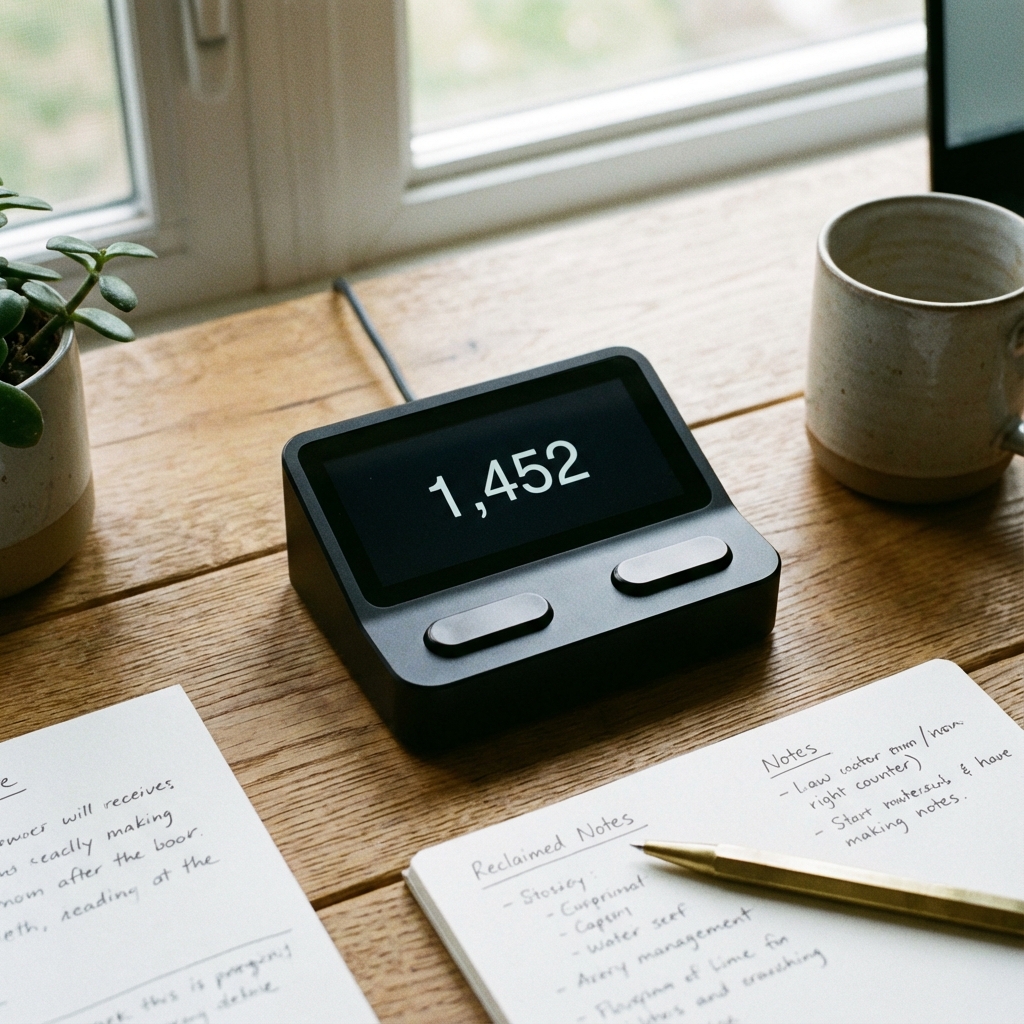
Have you ever tried to count people in a crowd, rows in a complex knitting pattern, or inventory items on a shelf, only to be interrupted and lose your count entirely? It’s a frustrating, universal experience. Enter the tap counter, a simple yet powerful tool designed to do one thing perfectly: keep count so you don’t have to.
Whether you call it a clicker, a tally counter, or a digital counting app, these devices are essential for accuracy in hundreds of professions and hobbies. In this definitive guide, we’ll explore the fascinating world of tap counters, their diverse applications, and how to choose the right one for your needs.
What Exactly is a Tap Counter?
At its core, a tap counter is a device or software that increments a numerical value by one every time you interact with it, usually by pressing a button or tapping a screen.
Historically, these were purely mechanical devices. You’ve likely seen the classic silver metal clicker used by bouncers at clubs or flight attendants. Inside, a complex series of gears ensures that every click advances the dial precisely. Today, the digital tap counter has revolutionized this concept. Available as smartphone apps, browser extensions, or electronic handheld devices, they offer features that mechanical versions never could, such as:
- Negative counting (decrementing values)
- Multiple saved counts (tracking distinct categories simultaneously)
- History logs (timestamped records of every tap)
- Sound and vibration feedback (confirming a count without looking)
Physical vs. Digital: Which is Better?
The debate between old-school mechanical clickers and modern app-based counters is ongoing. Both have their merits.
1. Mechanical Tally Counters
The traditional choice.
- Pros: Tactile feedback is satisfying; no battery required; extremely durable; “always on” and ready to click.
- Cons: Limited to one count at a time; no data logging; resetting can be slow (twisting a knob); can get jammed with dust/debris.
2. Digital Handhelds
Electronic versions of the classic clicker.
- Pros: Silent operation options; easy reset buttons; often back-lit for night use (great for traffic studies).
- Cons: Requires batteries; often made of cheap plastic; screens can break.
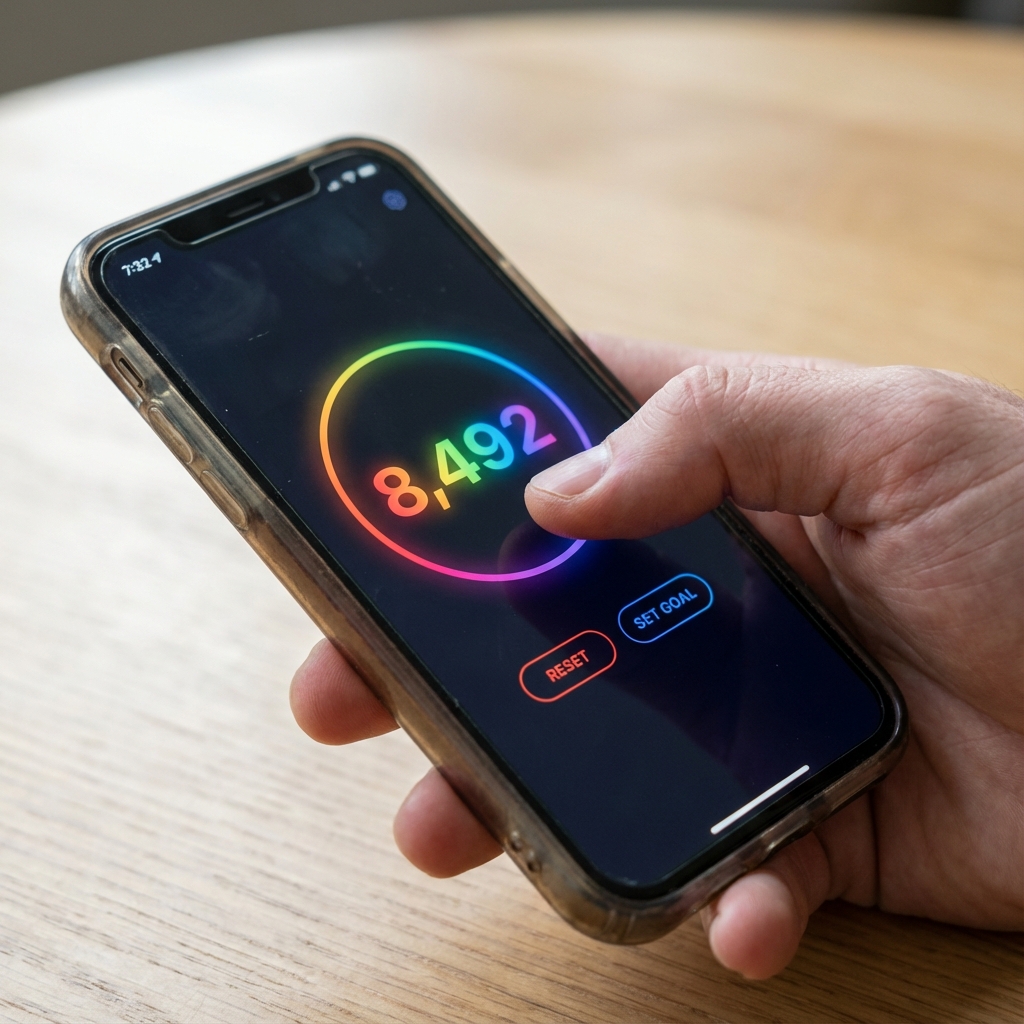
3. Tap Counter Apps (The Modern Standard)
Using your phone or computer.
- Pros: Free or low cost; unlimited counters; rich data features (export to CSV, timestamps); highly customizable interfaces; accessible anywhere.
- Cons: Relies on device battery; lack of physical tactile “click” (though haptic feedback mimics this).
Top Uses for Tap Counters
You might be surprised at just how versatile these tools are. Here are some of the most common ways people use tap to count tools today:
Inventory and Stock Management
For small business owners, doing a monthly stocktake is a nightmare without a counter. tapping a screen as you scan items reduces cognitive load. Instead of muttering “45, 46, 47…” under your breath, you simply tap, tap, tap. This reduces error rates significantly.
Knitting and Crochet
“Row counters” are a knitter’s best friend. Complex patterns require precise counts of rows or stitches. A digital tap counter allows crafters to track their place without needing to stop and write it down. Many modern apps allow you to label counters “Sleeve,” “Body,” or “Pattern A,” keeping your entire project organized.

Fitness and Rep Tracking
In the gym, focusing on your form is critical. If you’re counting reps in your head (“…was that 8 or 9?”), your focus shifts away from the muscle group. A tap counter allows you to externalize the counting process. It’s also excellent for tracking laps while running or swimming (waterproof versions exist!).
Traffic and Crowd Control
Event organizers use counters to track capacity limits for safety compliance. Traffic engineers sit at intersections tapping away to count cars, pedestrians, and cyclists to optimize traffic light timing. The simple “click” is the backbone of urban data collection.
Prayer and Meditation (Tasbeeh)
Digital counters are widely used for Tasbeeh (counting tracking Dhikr or Zikr) and mantra recitations. Digital ring counters are popular for this, allowing for discreet counting during the day.
How to Choose the Right Tap Counter
Not all counters are created equal. When selecting a tool, consider:
- Ergonomics: Will you be holding it for hours? A heavy metal counter might cramp your hand. An app with a “full screen tap” button allows you to hold your phone comfortably in any position.
- Feedback: Do you need to hear the count? Mechanical clickers are loud. Apps offer silent modes with vibration, which is crucial for discreet counting (like in church or a library).
- Data Needs: If you just need a total number (e.g., headcount), a simple clicker works. If you need to know when the peaks occurred (e.g., “busiest hour of the shop”), you strictly need a digital app with timestamp logging.
Why “Tap to Count” is Good for Your Brain
Psychologically, offloading the task of “holding a number” in your working memory frees up your brain for other tasks. This concept, known as cognitive offloading, reduces stress and mental fatigue. When you use a tool to count, you can carry on a conversation, listen to a podcast, or observe your surroundings more keenly, because you aren’t mentally chanting numbers.
Frequently Asked Questions
Q: Can I use a tap counter on my computer? A: Yes! There are many browser-based tap counters and spacebar clicker websites. These are great for desk-based inventory or gaming challenges.
Q: What is the maximum count? A: Mechanical counters usually roll over at 9,999. Digital apps are virtually unlimited, often going into the billions.
Q: Are there free tap counter apps? A: Yes, the app store is flooded with them. Look for ones with “no ads” or “minimal permissions” for the best experience.
Conclusion
From the humble mechanical clicker to advanced data-logging apps, the tap counter is a hero of the organizational world. Whether you are counting stitches, inventory, or just trying to stay focused during a workout, there is a specialized counter out there for you.
Explore our site to find the perfect tap tap counter tool that suits your lifestyle, and start making every click count today.
? Frequently Asked Questions
What is a tap counter used for?
Are digital tap counter apps accurate?
Can I use a tap counter for fitness?
What is the best tap counter for knitting?
How do I reset a mechanical tap counter?

About Azeem Iqbal
We are dedicated to providing accurate, easy-to-understand information. Our goal is to help you minimize effort and maximize results.