Spacebar Counter Challenge: How Fast is Your Thumb?
The Spacebar Clicker Challenge is a viral sensation. Learn about CPS, gaming keyboards, and why tapping a spacebar is surprisingly addictive.
Azeem Iqbal
Contributor
Spacebar Counter Challenge: How Fast is Your Thumb?
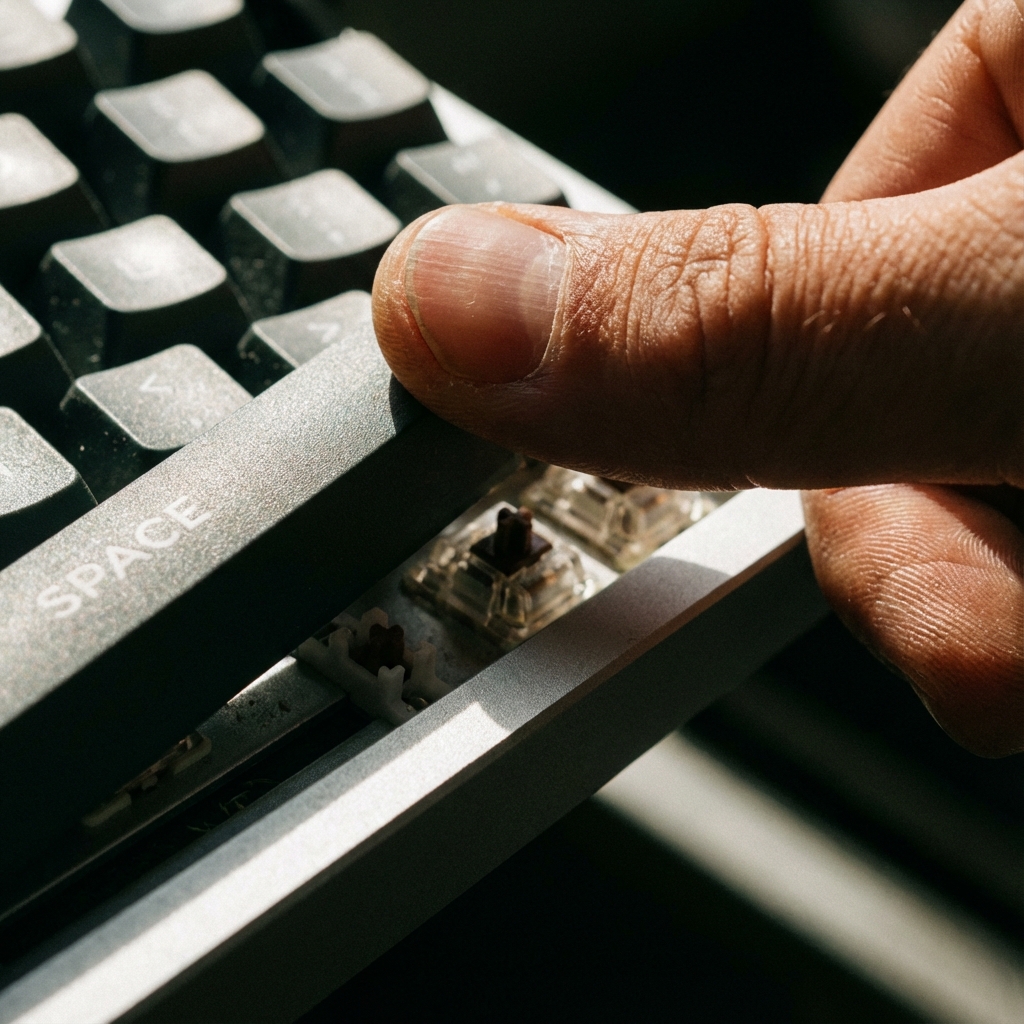
You are sitting at your computer. You are bored. You look at the biggest key on your keyboard, the Spacebar. And you wonder: “How many times can I smash this in 10 seconds?”
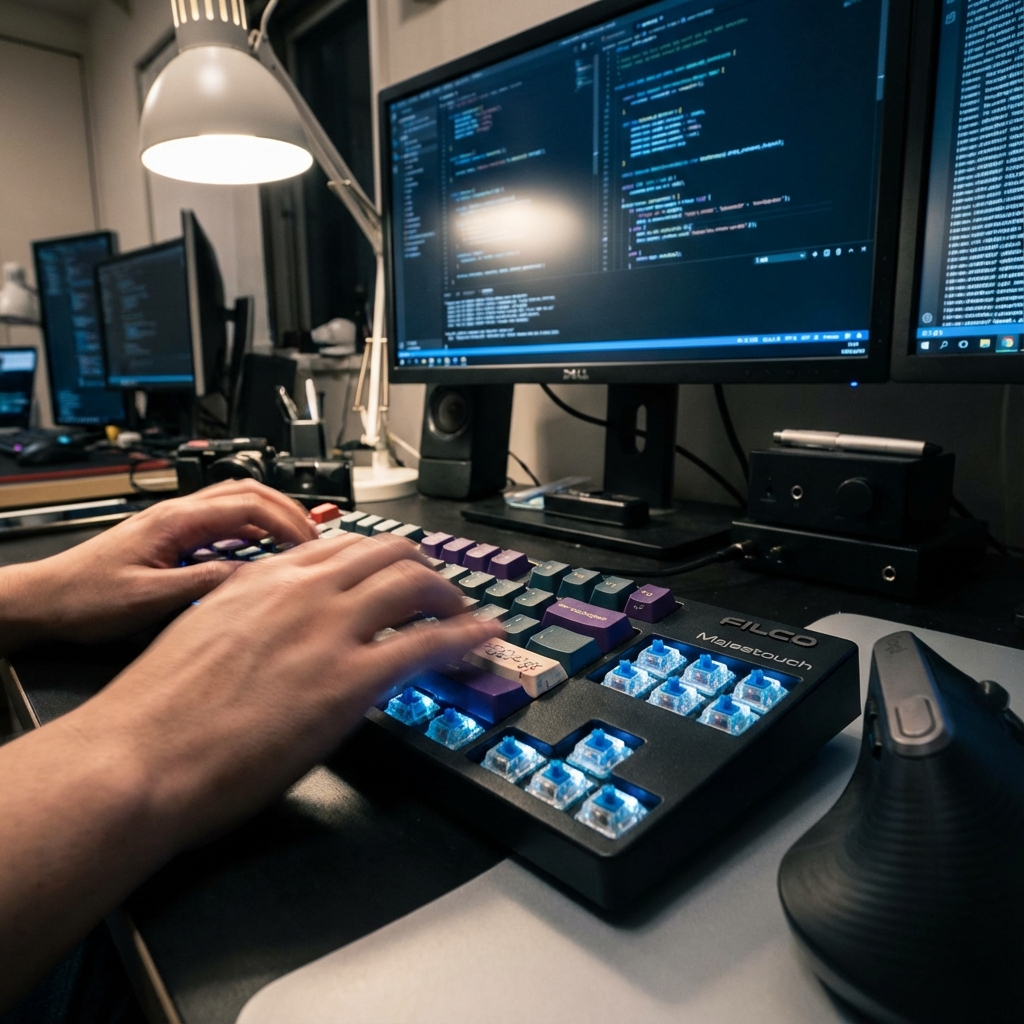
What started as a simple fidgeting habit has turned into a viral internet phenomenon: The Spacebar Clicker Challenge. From TikTok trends to competitive gaming warm-ups, the humble spacebar counter has become a test of speed, endurance, and hardware supremacy.
The Appeal of the “Spacebar Speed Test”
Unlike complex video games, the Spacebar Challenge has a zero learning curve.
- Rule 1: Start the timer.
- Rule 2: Tap fast.
- Rule 3: Brag about your number.
It taps into (pun intended) our competitive nature. It is the digital equivalent of seeing who can do the most pushups. It’s raw, quantifiable effort.
Techniques: It’s Not Just Mashing
If you think you just flail your hand, you’re doing it wrong. To get a high score (like 100 hits in 10 seconds), you need technique.
1. The Double Thumb
Use both thumbs.
- Method: rapid-fire alternation (Left-Right-Left-Right).
- Benefit: effectively doubles your speed. While one thumb is lifting, the other is pressing. This is the drumming “double stroke role” concept applied to typing.
2. The Butterfly (Two Finger)
Similar to mouse clicking, use your index and middle finger of one hand.
- Method: Hover your hand and tap swiftly.
- Benefit: Less thumb strain, potentially faster if you are a piano player or gamer.
3. The “Vibration” Method
Tensing the arm to vibrate the hand.
- Warning: Extremely tiring and inaccurate. You might miss the key or hit
N/Bby accident.
The Hardware Factor: Mechanical vs. Membrane
Your score depends heavily on your equipment.
Membrane Keyboards (Laptops/Office):
- These use a rubber dome. You have to press all the way down to bottom out.
- The Problem: The “travel distance” is long, and the rubber is slow to bounce back up. It feels “mushy.” It limits your physical speed.
Mechanical Keyboards (Gamers):
- These use physical springs and metal contacts.
- The Advantage: Switches like the Cherry MX Silver (Speed) or Razer Yellow actuate at just 1.2mm depth. You barely have to touch them. They bounce back instantly.
- Result: You can physically input commands 20-30% faster on a mechanical board.
Why Gamers Care
Is this useless? Not really. In rhythm games (like Osu! or Friday Night Funkin’), rapid key tapping is the core mechanic. In classic shooters (like jumping in CS:GO or Bunny Hopping), precise spacebar timing is crucial. The Spacebar Counter serves as a warm-up. It gets the blood flowing to the hands and wakes up the fast-twitch muscle fibers before a competitive match.
TikTok and Social Challenges
The challenge went viral on TikTok with filters that count your taps.
- The “300 in 30 Seconds” Challenge: A popular benchmark.
- ASMR: believe it or not, people watch videos of high-end keyboards being tapped rapidly. The “Thock” sound of a premium spacebar is satisfying to many.
Conclusion
The Spacebar Counter is a simple tool, but it opens a door to the world of competitive peripherals and human dexterity. Whether you are testing a new $200 keyboard or just killing time during a Zoom meeting, watching that number climb is oddly satisfying. So, go ahead. Set the timer to 10 seconds. Can you beat 70?
? Frequently Asked Questions
What is the Spacebar Counter?
What is a good score for 5 seconds?
Is the spacebar faster than a mouse?
Why is my spacebar score low?
Is there a world record?

About Azeem Iqbal
We are dedicated to providing accurate, easy-to-understand information. Our goal is to help you minimize effort and maximize results.