Pitch Counters in Baseball: Protecting Arm Health
Pitch counts aren’t just stats; they are safety limits. Learn how coaches use tap counters to prevent arm injuries in youth and pro baseball.
Azeem Iqbal
Contributor
Pitch Counters in Baseball: Protecting Arm Health
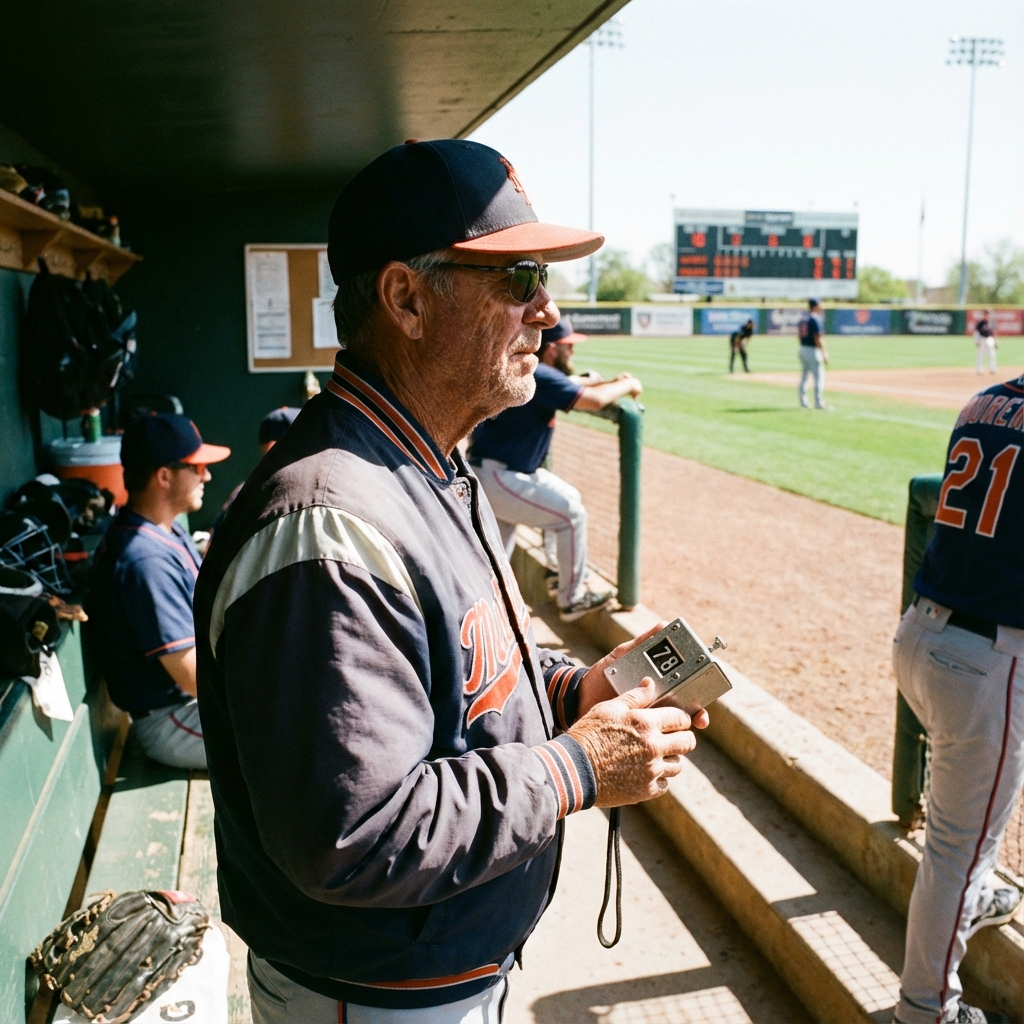
In the dugout, you will always see the coach holding a clipboard and a small silver device. Every time the pitcher winds up and throws… click.
This isn’t just about stats. In modern baseball, counting pitches is a matter of medical necessity. The rise of Tommy John surgery (UCL reconstruction) in young athletes has forced the sport to wake up to the dangers of overuse. The Pitch Counter (or tap counter) is the primary line of defense protecting a young player’s arm.
The Epidemic of Arm Injuries
Baseball pitching is an unnatural motion. It places immense torque on the elbow and shoulder. Muscle fatigue is the enemy; when the big muscles tire, the stress transfers to the ligaments, which snap.
The correlation is clear: Higher pitch counts = Higher fatigue = Higher injury risk.
Decades ago, pitchers threw until they couldn’t lift their arm. Today, organizations like USA Baseball and Little League have strict “Pitch Smart” guidelines.
- Age 9-10: Max 75 pitches/game.
- Age 13-16: Max 95 pitches/game.
- Rest Days: Throwing 66+ pitches requires 4 full days of rest.
The Accountability Tool
The tap counter is the enforcer of these rules. In the heat of a game, a coach wants to win. The pitcher says, “I feel fine, coach!” Adrenaline masks the pain. The counter provides objective data. “I know you feel fine, kid. But the clicker says 88. You have 7 pitches left. Make them count.” It removes the emotion from the decision to pull a pitcher.
Types of Counters Used
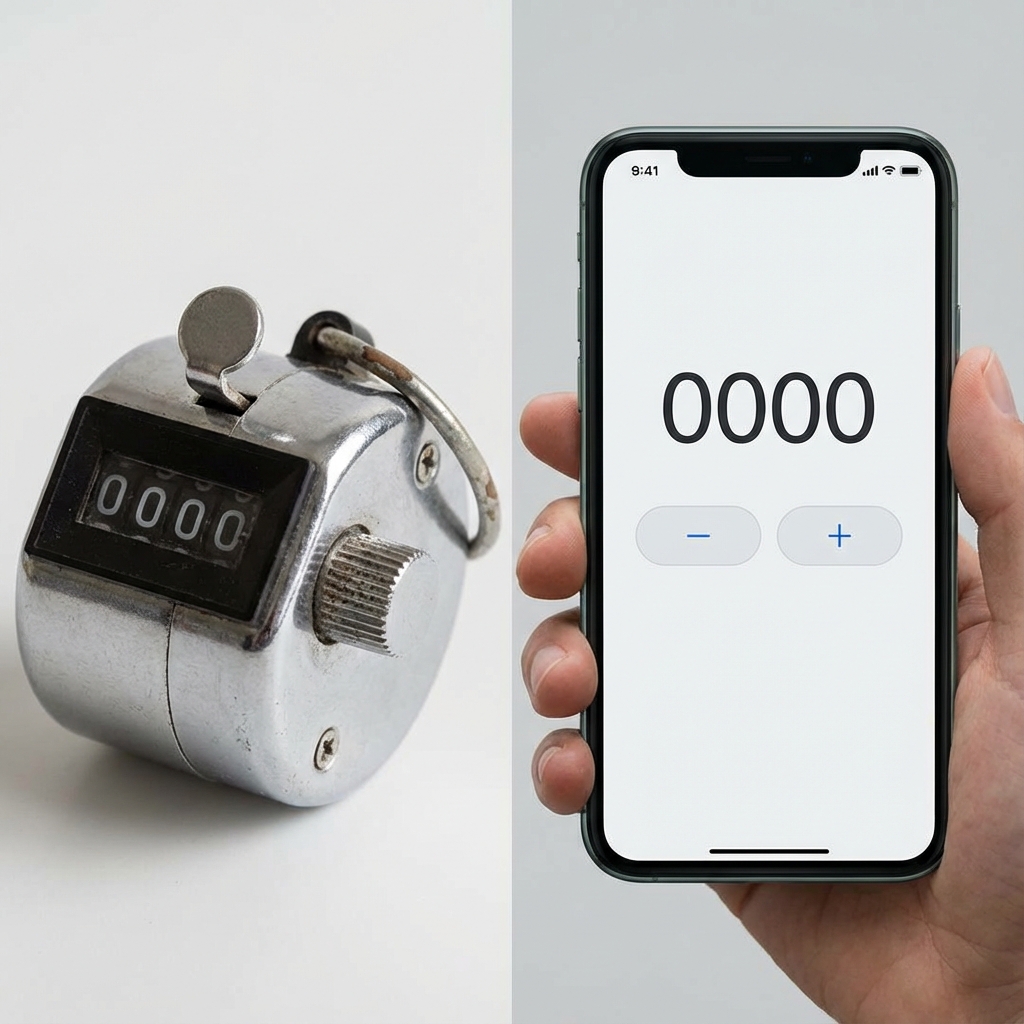
1. The Mechanical Clicker
The classic.
- Pros: Durable, cheap, unaffected by rain or dirt (common in dugouts).
- Cons: Single metric only. It tells you how many, but not what (strikes vs. balls).
- Usage: Many coaches tape two clickers together, one for Strikes, one for Balls.
2. The Digital “Pitch Smart” Apps
Modern apps like GameChanger allow parents and scorers to tap specific buttons for “Fastball,” “Curveball,” “Strike Looking,” “Strike Swinging.”
- Pros: Rich data analysis. (e.g., “He throws strikes 60% of the time.”)
- Cons: Requires attention to a screen; battery drain.
3. The Scoreboard Stick
Often seen in high school games, a volunteer physically updates a placard or digital sign showing the current pitch count to the whole stadium. This creates transparency, the opposing coach knows exactly when the pitcher is reaching their legal limit.
Strategies for Managing Count
Coaches use the counter to strategize Efficiency.
- The 15-Pitch Inning: The goal is to average 15 pitches or fewer per inning.
- First-Pitch Strike: Getting ahead in the count forces the batter to swing, leading to faster outs.
- Waste Pitches: A pitcher with a high count can’t afford to “waste” pitches trying to get a batter to chase.
If a pitcher starts an inning at 80 pitches (limit 95), the counter tells the coach: “He has one, maybe two batters left.” They will have the reliever warming up before the inning starts, purely based on the math.
Conclusion
The pitch counter has changed baseball from a game of “throwing until failure” to a game of resource management. It forces efficiency and prioritizes the long-term career of the athlete over the short-term win of a single game.
For parents of young players: Buy a cheap $5 tap counter. Sit in the stands and click along. Be the second set of eyes on your child’s safety. It might save them a surgery down the road.
? Frequently Asked Questions
What is a pitch count?
Why is tracking pitches important?
Who tracks the pitch count?
What is the pitch limit for high school?
Can I use any tap counter?

About Azeem Iqbal
We are dedicated to providing accurate, easy-to-understand information. Our goal is to help you minimize effort and maximize results.