Physical vs. Digital Counters: The Ultimate Showdown
In the battle of the clicker, who wins? We break down the engineering, durability, battery life, and usability of mechanical clickers vs. smartphone apps.
Azeem Iqbal
Contributor
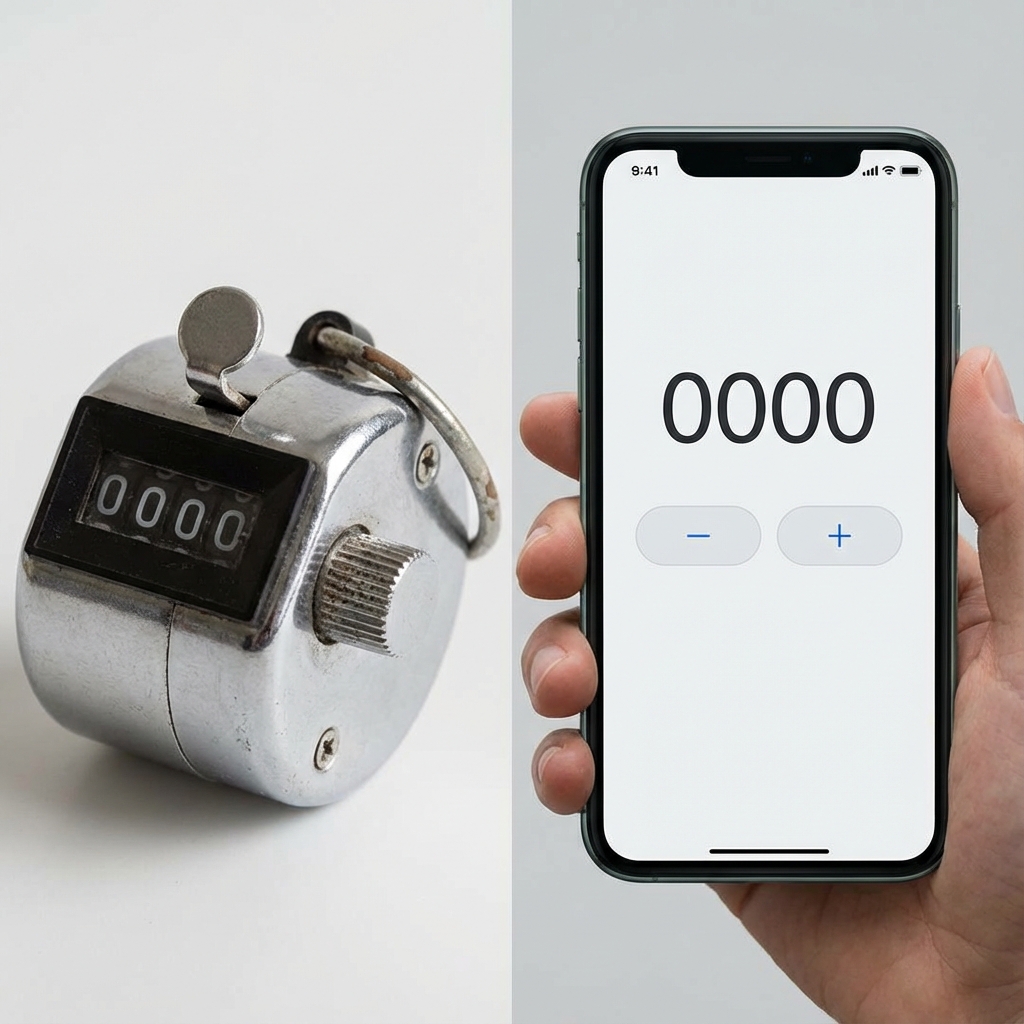
Table of Contents
- Physical vs. Digital Counters: The Ultimate Showdown
- Round 1: The Engineering (How they work)
- Round 2: Tactile Feedback (The “Soul” of the Click)
- Round 3: Durability and Environment
- Round 4: Data and Versatility
- Round 5: Cost and Accessibility
- The Hybrid: The Digital Finger Counter
- Conclusion: Which one is for you?
Physical vs. Digital Counters: The Ultimate Showdown
It is the age-old battle: The rugged reliability of analog engineering vs. the limitless versatility of digital software. Vinyl vs. Spotify. Paper vs. iPad. And now: The Chrome Clicker vs. The App.
If you need to count something, whether you are a traffic surveyor working in the rain, a knitter sitting on the couch, or a scientist in a lab, you have a decision to make. Do you invest in a dedicated hardware device, or do you install a free app on the supercomputer in your pocket?
This isn’t just about preference; it’s about the right tool for the job. We broke down the comparison into five critical rounds to help you decide which counter reigns supreme.
Round 1: The Engineering (How they work)
The Mechanical Clicker: The mechanism inside a standard silver clicker is a thing of beauty. It relies on a Geneva Drive.
- The Action: When you press the thumb lever, you are compressing a spring and pushing a pawl.
- The Movement: This pawl turns the “Ones” wheel 36 degrees (1/10th of a turn).
- The Carry: When the “Ones” wheel moves from 9 to 0, a single gear tooth engages the “Tens” wheel, moving it one notch. It is clockwork. There is no electricity. No code. It is pure physics.
The Digital App:
An app is a loop of code. If (touch) { count++ }.
It relies on the capacitive touch sensor of your phone screen, the operating system (iOS/Android), and the display driver.
- The Advantage: It can do non-linear math. It can count by 5s. It can subtract. It can timestamp. It can count to 1,000,000,000.
- The Weakness: It is abstract. There are no gears to feel.
Round 2: Tactile Feedback (The “Soul” of the Click)
Winner: Mechanical
There is no contest here. Using a mechanical counter allows for Eyes-Free Operation.
- The Feedback Loop: You press -> You feel the spring tension -> You hear the CLICK -> You feel the lever hit the bottom. Your brain gets three separate confirmations that the count registered. You can keep the clicker in your pocket and count accurately while staring at a bird or a person.
The App Problem: Glass has no texture. To use an app, you usually have to look at the screen to make sure your finger hit the button area. “Haptic Vibration” helps, but it is not the same as the mechanical snap.
Round 3: Durability and Environment
Winner: Mechanical (Usually)
Scenario A: The Warehouse Freezer You are counting frozen turkeys. It is -10 degrees.
- App: Phone batteries die rapidly in cold. Touchscreens get sluggish.
- Mechanical: Metal gears don’t care about cold. It works perfectly.
Scenario B: The Muddy Field You are coaching baseball in the rain. You drop the counter in the mud.
- App: Panic. Even “Waterproof” phones are hard to use with wet screens (ghost touches).
- Mechanical: Pick it up. Wipe it on your pants. Keep clicking. If it gets gritty, rinse it in the sink.
Scenario C: The Dark Room You are counting audience members in a theater.
- App: Winner. The backlit screen is visible.
- Mechanical: You can’t see the numbers without a flashlight.
Round 4: Data and Versatility
Winner: Digital App
If you need to know more than just “How many?”, the mechanical clicker fails.
- Timestamps: An app tells you when the rush hour happened.
- Multiple Lists: An app lets you count “Red Cars,” “Blue Cars,” and “Trucks” simultaneously. A mechanical counter is mono-tasking.
- Export: When you are done, an app lets you email the CSV file to your boss. With a mechanical counter, you have to write the number on a piece of paper.
- Undo: Accidentally clicked twice? On an app, hit the ”-” button. On a mechanical counter… you have to spin the reset knob all the way around to 0 and start over (or memorize the math).
Round 5: Cost and Accessibility
The Mechanical:
- Cost: $5 - $10.
- Lifespan: Decades.
- Availability: You have to buy it and carry it.
The App:
- Cost: Free (usually).
- Lifespan: Until you delete it.
- Availability: You already have it. 100% of the time.
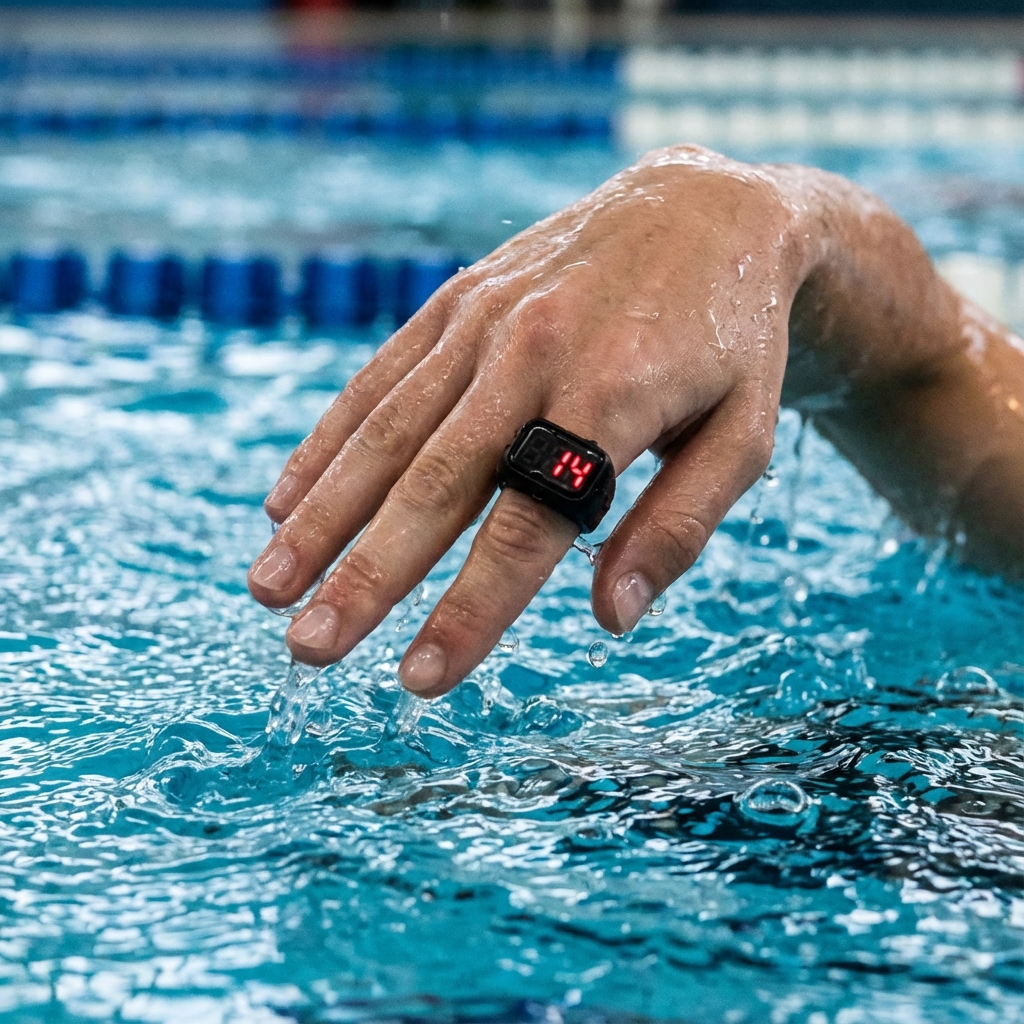
The Hybrid: The Digital Finger Counter
There is a middle ground: The Digital Finger Counter (Tasbeeh Ring). It is a tiny plastic hardware device with a rubber strap.
- Pros: It has a physical button (Tactile). It is silent (unlike the loud mechanical clicker). It has a memory (saves count when screen sleeps).
- Cons: Cheap build quality. Batteries eventually die.
Conclusion: Which one is for you?
Choose Mechanical If:
- You want satisfaction/fidget value.
- You work in harsh environments (dirt, water, cold).
- You need to count without looking (pocket counting).
- You want to avoid digital distraction.
Choose an App If:
- You need data analysis (time, location).
- You need to count multiple categories.
- You are in a low-light environment.
- You forgot your mechanical counter at home.
- You want to share the data instantly.
In the end, the “best” counter is the one you have with you. For most of us, that’s the app. But for the purist, nothing beats the feeling of that spring-loaded snap.
? Frequently Asked Questions
How does a mechanical counter work?
Do digital counters need batteries?
Waterproof tally counters for swimming?
Which counter is best for knitting?
Are phone counter apps accurate?
How to reset a 4-digit mechanical counter?

About Azeem Iqbal
We are dedicated to providing accurate, easy-to-understand information. Our goal is to help you minimize effort and maximize results.