Mouse Click Counters: Are You Overworking Your Finger?
Clicking a mouse 5,000 times a day adds up. Learn about Mouse Odometers, finding the lifespan of your gaming mouse, and avoiding Carpal Tunnel.
Azeem Iqbal
Contributor
Mouse Click Counters: Are You Overworking Your Finger?
We talk a lot about “Step Counters” for our feet. But what about our fingers? For millions of knowledge workers and gamers, the index finger runs a marathon every day, clicking a plastic button thousands of times.
A Mouse Click Counter (or Mouse Odometer) is a tool that tracks this activity. It tracks left clicks, right clicks, scroll wheel distance, and cursor mileage. The data it reveals is often shocking.
The Life Expectancy of a Mouse
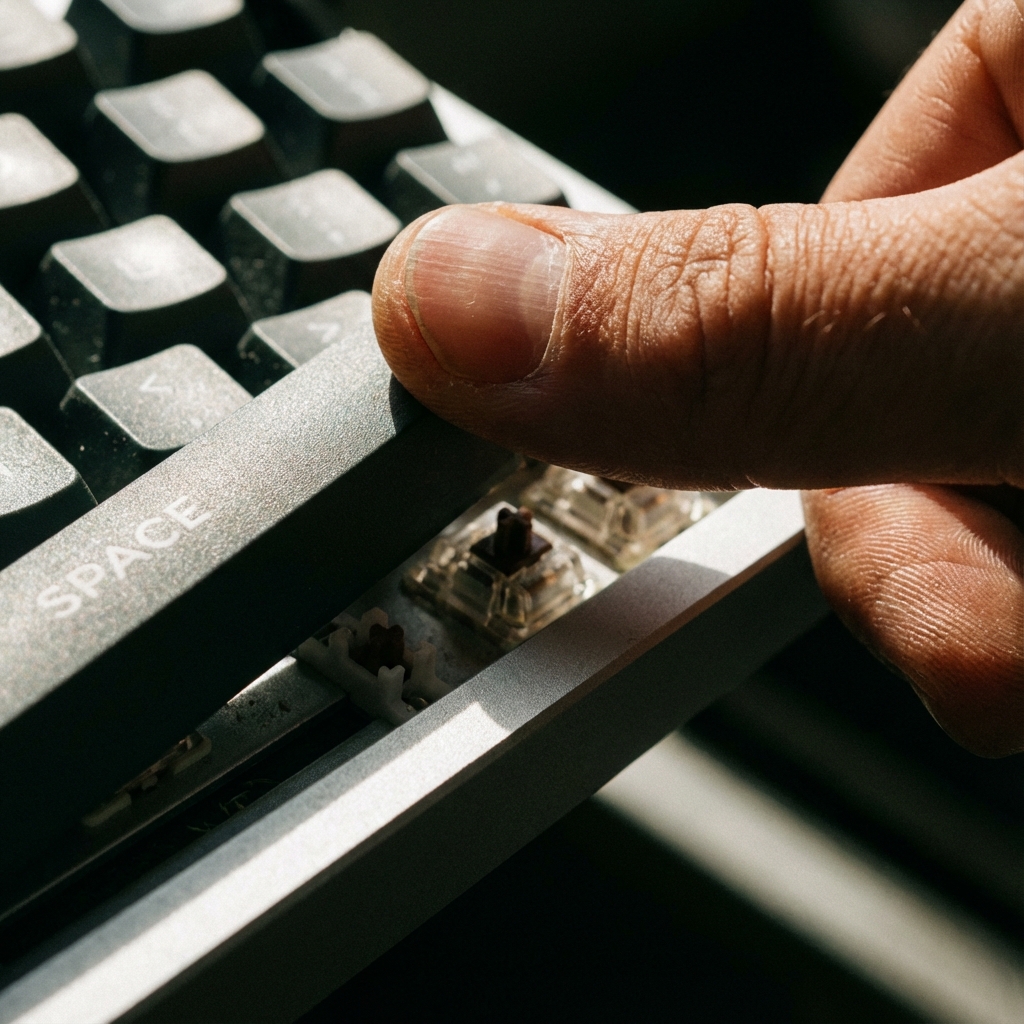
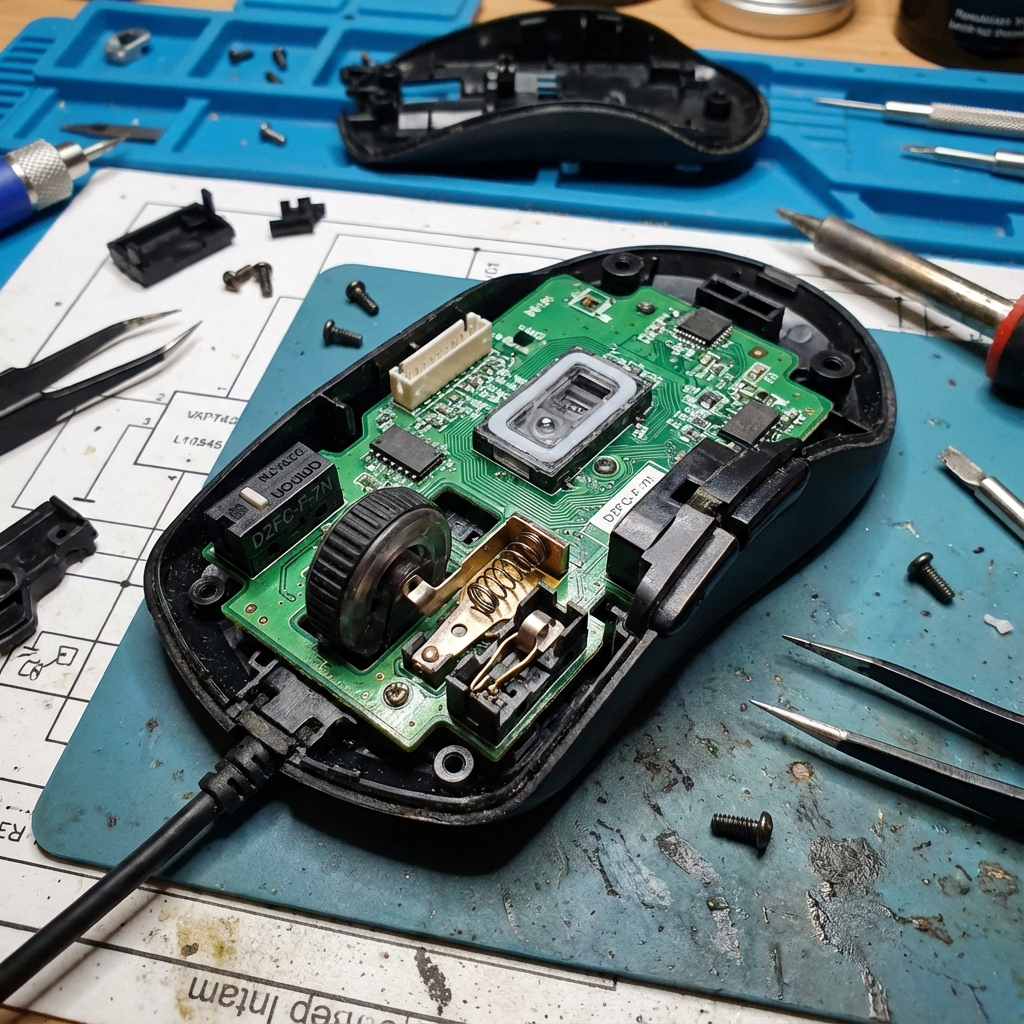
Mice are consumables. The micro-switches inside (usually mechanical) have a rated lifespan.
- Cheap Mouse: 1 Million Clicks.
- Logitech/Razer (Mid-range): 20 Million Clicks.
- High-End Optical: 70 Million Clicks.
Running a click counter in the background allows you to predict hardware failure. If you are at 19 million clicks on a 20-million rated mouse, and it starts acting weird, you know why. It is EOL (End of Life).
The Gamer’s Burden: APM
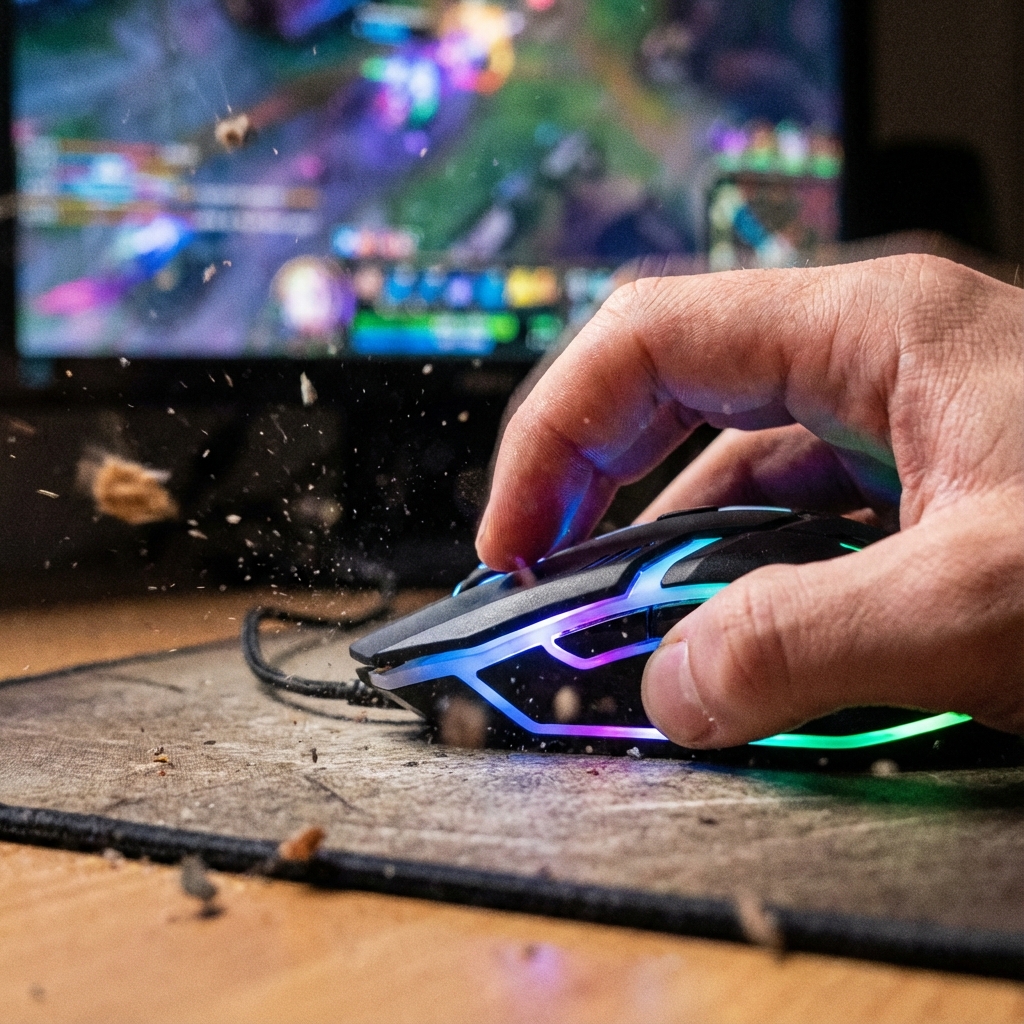
In competitive gaming (League of Legends, StarCraft), we measure APM (Actions Per Minute).
- A pro player clicks 300+ times a minute.
- That is 18,000 clicks in an hour.
- That is damage.
Using a click counter helps players realize when they are “spamming” useless clicks.
- Efficiency Training: “Why did I click 50 times to move my character once?”
- Reducing click count while maintaining performance is the mark of a veteran player. It saves the hardware and the hand.
Preventing “Mouse Arm”
RSI in the index finger is real. It’s called “Mouse Finger” or tendonitis. The force required to click a mouse is small (~60 grams), but 60g x 10,000 reps = 600 kilograms of force exerted by one tiny tendon every day.
The Counter Strategy:
- Install a tracker.
- Set a daily “Budget” (e.g., 4,000 clicks).
- When you hit the limit, switch tasks. Make phone calls. Read. Do something that doesn’t involve clicking.
- Switch Hands: If you are just browsing the web, switch the mouse to your left hand to distribute the load.
Conclusion
Your mouse is the engine of your digital life. Don’t ignore the mileage. Use a Mouse Click Counter to respect the limits of your hardware, and your biology.
? Frequently Asked Questions
How many clicks does a mouse last?
How many times do I click a day?
What is the 'Double Click' issue?
Can tracking clicks prevent injury?

About Azeem Iqbal
We are dedicated to providing accurate, easy-to-understand information. Our goal is to help you minimize effort and maximize results.