Why Every Knitter Needs a Digital Row Counter
Lose count of your stitches? A digital row counter is the knitting accessory you did not know you needed. Discover how it saves time and sanity.
Azeem Iqbal
Contributor
Why Every Knitter Needs a Digital Row Counter
“Knit, purl, knit, purl… wait, was that row 4 or row 5?”
If you are a knitter or crocheter, you know this panic. You are deep in the rhythm of a complex cable pattern, you get distracted by the TV or a conversation, and suddenly your mental count evaporates. You are left squinting at your fabric, trying to read your stitches, risking a frogged project.
Enter the Digital Row Counter. While experienced crafters have used pencil-and-paper or mechanical dial counters for decades, the digital revolution has brought a level of convenience and accuracy that is transforming the craft. Here is why the humble tap counter is the MVP of your knitting bag.
The Problem with Traditional Counting
Before digital tools, we relied on:
- The Tick Sheet: A piece of paper with 1-100 written on it. You cross off a number after every row. Problem: You lose the pen, or the paper gets lost under the couch.
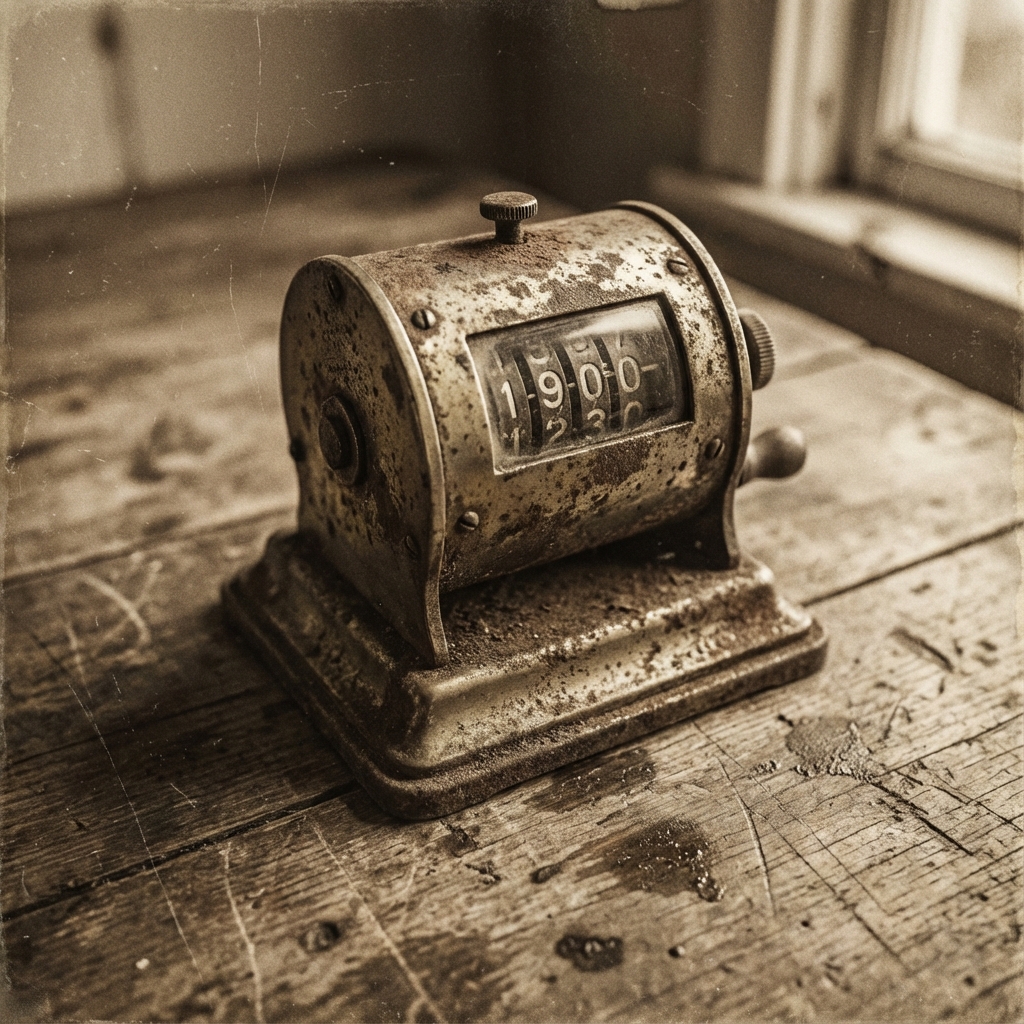
- The Barrel Counter: Those little red and blue cylinders that slide onto the needles. Problem: They get stuck, the numbers rub off, or you forget to turn the dial at the end of the row.
- Mental Math: “I’ll just remember.” Problem: You won’t.
The Digital Finger Counter: A Game Changer
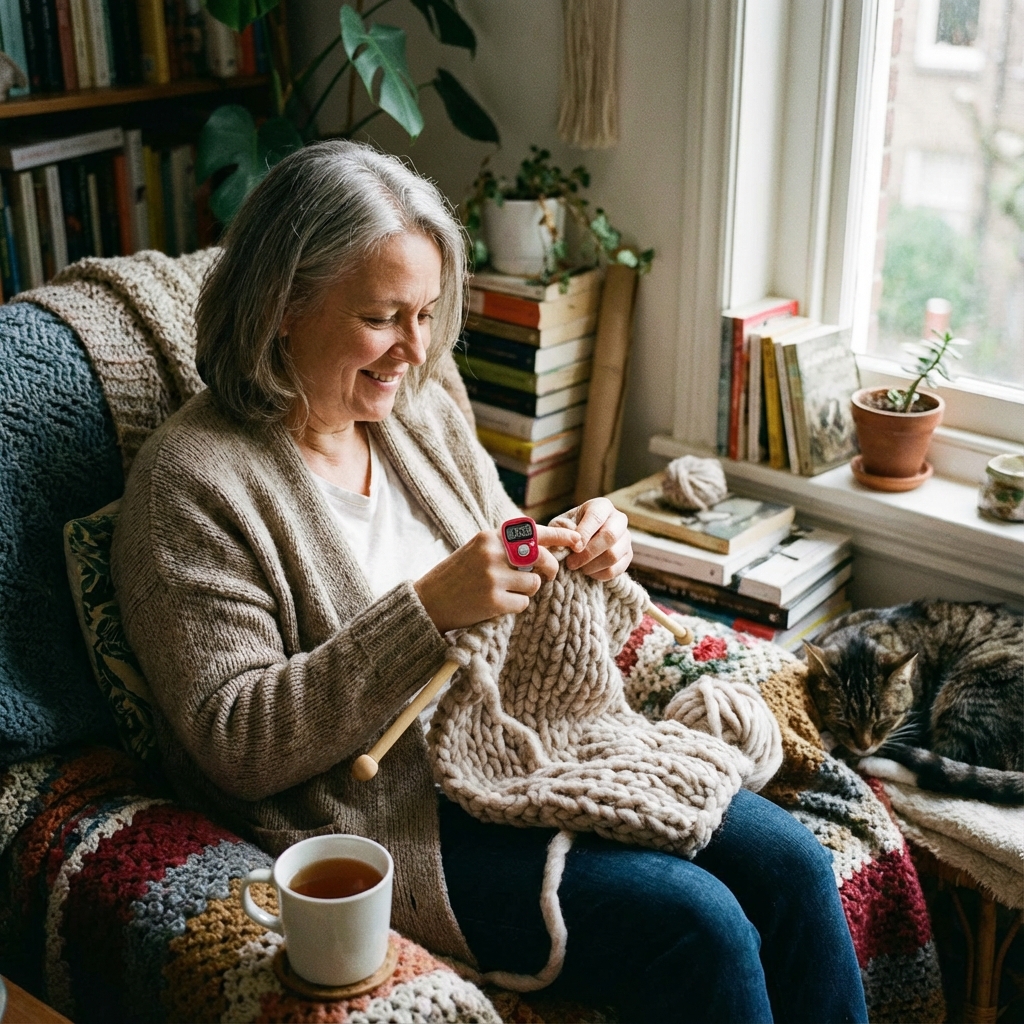
The most popular tool in modern knitting is the finger tally counter. It is a small, ring-like device with an adjustable rubber strap that fits on your index finger or thumb.
Why it Works Meaningfully:
1. Ergonomics and Flow Knitting is a two-handed activity. You don’t want to put your needles down to make a mark on paper. With a finger counter, the button is right there on your hand. You finish a row, tap your thumb against your index finger, feel the click, and keep knitting. The flow is unbroken.
2. The Memory Feature This is the killer feature. You knit for 20 minutes, reach count 43, and then the doorbell rings. You put your knitting down. Three days later, you pick it up. A digital counter mimics the “always-on” nature of a mechanical dial, when you wake up the screen, it still says “43.” You pick up exactly where you left off.
3. Silent Operation Unlike loud mechanical clickers, digital row counters are silent. You can knit in a movie theater, during a lecture, or in bed while your partner sleeps, tapping away without creating a disturbance.
App-Based Counters for Complex Projects
For the ambitious knitter tackling a sweater with different counts for the sleeve, the body, and the cable chart simultaneously, a simple finger counter isn’t enough. This is where Tap Counter Apps shine.
Modern knitting apps allow you to:
- Run Multiple Counters: Label one “Sleeve Increase” and another “Cable Repeat.” Tap them independently.
- Link to Patterns: Some apps allow you to upload your PDF pattern and float a translucent counter button over the text.
- Add Notes: “Switch to 4mm needles at row 50.” The app can remind you when you hit that number.
- Voice Control: “Hey Phone, count one.” Keep your hands entirely on the needles.
Choosing the Right Counter for Your Project
- For Simple Scarves/Blankets: Use a Physical Finger Counter. It’s cheap, durable, and distraction-free. You don’t want your phone’s notifications tempting you while you relax.
- For Intricate Lace/Garments: Use a Counter App. The ability to track multiple metrics and see your history log is invaluable for debugging mistakes later (“Wait, did I do the increase on row 20 or 21? Check the log.”).
Tips for Using a Row Counter Successfully
- Consistency is Key: Decide when you click. Do you click at the start of the row or the end? Pick one rule and stick to it forever. Most knitters click at the end of the row as a “reward.”
- Lock the Screen: If using a digital finger counter, make sure you don’t accidentally hit the large button mid-row. (Though most require a firm press, it happens).
- Backup for Big Milestones: If you are knitting a huge section (e.g., “Knit for 100 rows”), place a physical stitch marker on the fabric every 50 rows. If your battery dies or your toddler resets your counter, you only have to recount from the last marker, not the start.
Conclusion
Knitting is supposed to be relaxing, not a math test. By offloading the cognitive load of counting to a digital device, you free your mind to enjoy the texture of the yarn and the rhythm of the work. Whether you choose a $2 silicone finger counter or a sophisticated app, ensuring your row count is accurate is the difference between a sweater that fits and one that unravels.
So, strap on a counter, cast on, and tap your way to a perfect project.
? Frequently Asked Questions
What is a row counter in knitting?
How does a digital row counter work?
Is a phone app better than a physical counter?
Can I use a row counter for crochet?
Do digital counters save the number when turned off?

About Azeem Iqbal
We are dedicated to providing accurate, easy-to-understand information. Our goal is to help you minimize effort and maximize results.