The Ultimate Guide to BPM Tap Counters: Master Your Timing
Whether you are a DJ, Producer, or EMT, knowing the exact BPM is critical. Learn how to use tap counters to perfect your rhythm and workflow.
Azeem Iqbal
Contributor
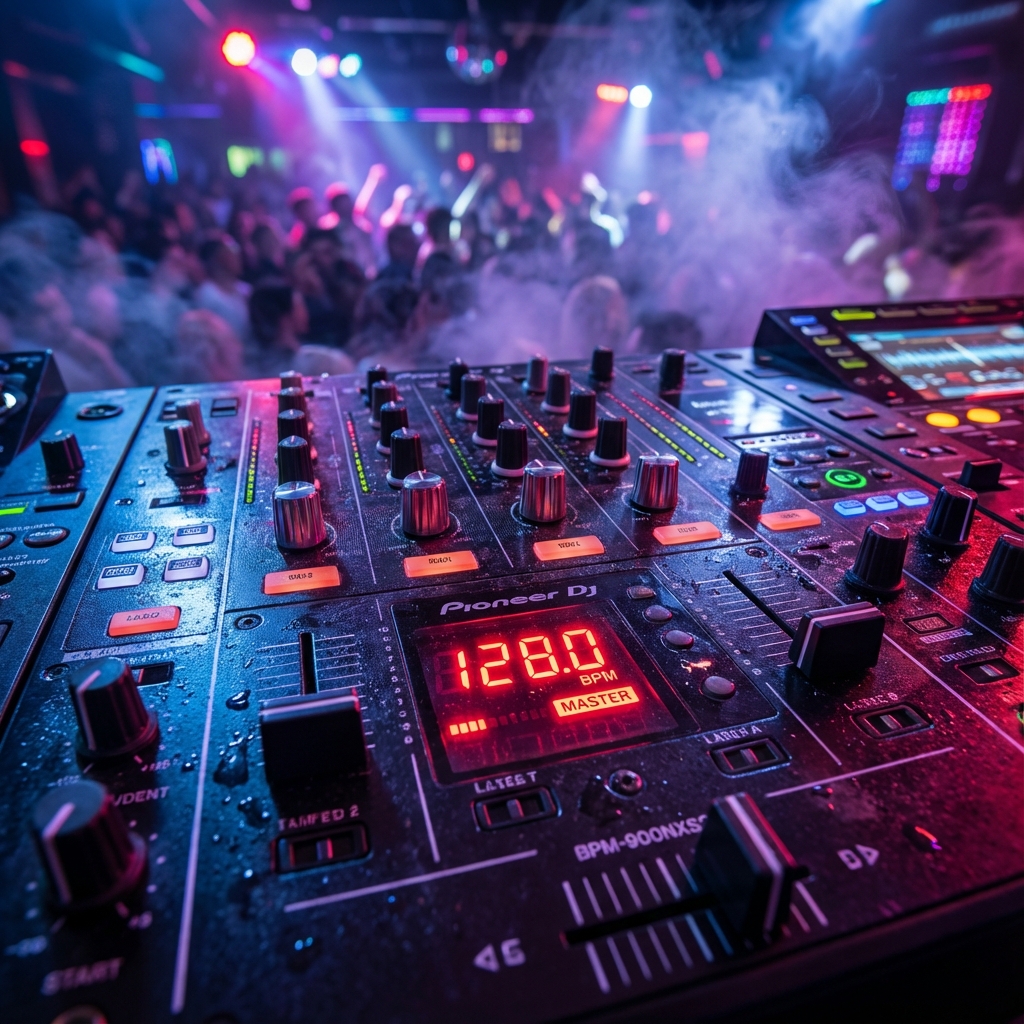
Table of Contents
- The Ultimate Guide to BPM Tap Counters: Master Your Timing
- What is a BPM Tap Counter?
- The DJ’s Secret Weapon: Beatmatching
- For Music Producers: Finding the Sample’s Soul
- The Medical Application: Saving Lives
- Fitness and Running Cadence
- How to Get the Most Accurate Reading
- Hardware vs. Software Counters
- Conclusion
The Ultimate Guide to BPM Tap Counters: Master Your Timing
In the world of audio, medicine, and fitness, there is one metric that rules them all: BPM (Beats Per Minute). It is the heartbeat of music, the rhythm of a run, and literally the pulse of life. But human beings are notoriously bad at estimating time intervals. If I asked you to tap your finger exactly 128 times in a minute, you would likely drift faster or slower within seconds.
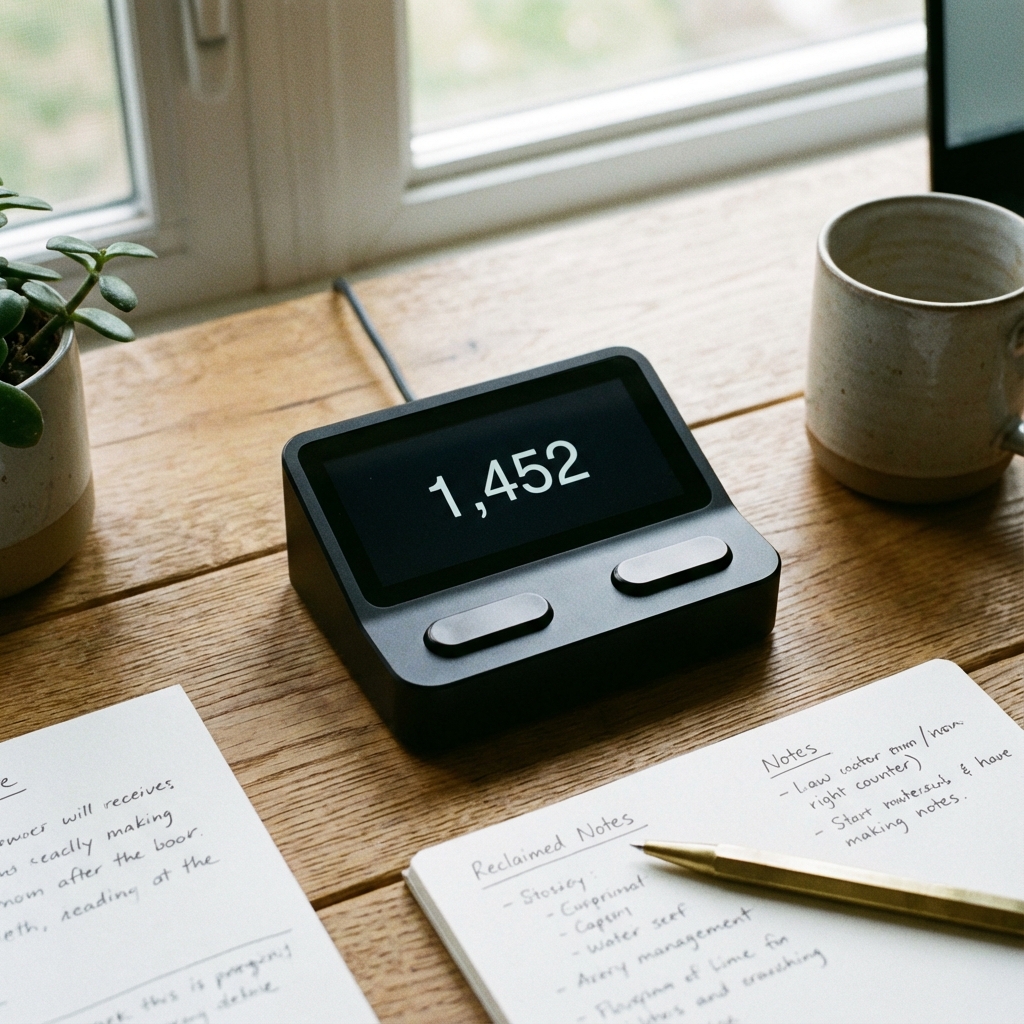
This is where the BPM Tap Counter enters the scene. It is a deceptively simple tool, usually just a button and a screen, that performs complex averaging algorithms in real-time to tell you exactly how fast something is moving.
In this comprehensive guide, we will explore why this tool is indispensable for DJs, music producers, creative professionals, and medical experts. We will deep dive into the math behind it, the different types of counters available, and how to use them effectively.
What is a BPM Tap Counter?
A BPM tap counter acts as a translator between human rhythm and machine precision. When you hear a song, your brain instinctively locks onto the “Kick” or the “Snare”, the heavy hits that define the groove.
- The Action: You tap a button in sync with these hits.
- The Calculation: The computer measures the milliseconds between Tap A and Tap B.
- If the gap is 500ms (0.5 seconds), the math is
60 seconds / 0.5 = 120 BPM. - Most counters average the last 3 to 5 taps to smooth out human error (jitter).
- If the gap is 500ms (0.5 seconds), the math is
The DJ’s Secret Weapon: Beatmatching
Start a conversation with any “Vinyl Era” DJ, and they will tell you about the art of manual beatmatching. Before digital screens, DJs had to listen to two records and use a pitch slider to match their speeds by ear. It was hard. Today, CDJs (like the Pioneer unit shown above) and software (Serato, Traktor) have largely automated this. However, the machines often fail.
Scenario: You are playing a 70s funk track played by a live drummer. Live drummers drift. They speed up in the chorus and slow down in the verse. The Fix: A computer analyzing the whole file might output a weird average like “104.3 BPM.” But as a DJ, you need to know the tempo right now. You hit the TAP button on your mixer 4 times in time with the drummer. The display updates to “106”. You quickly adjust your other track to 106. The mix is saved.
Without the manual tap function, mixing live genres (Rock, Funk, Jazz) with rigid electronic music (House, Techno) would be a trainwreck.
For Music Producers: Finding the Sample’s Soul
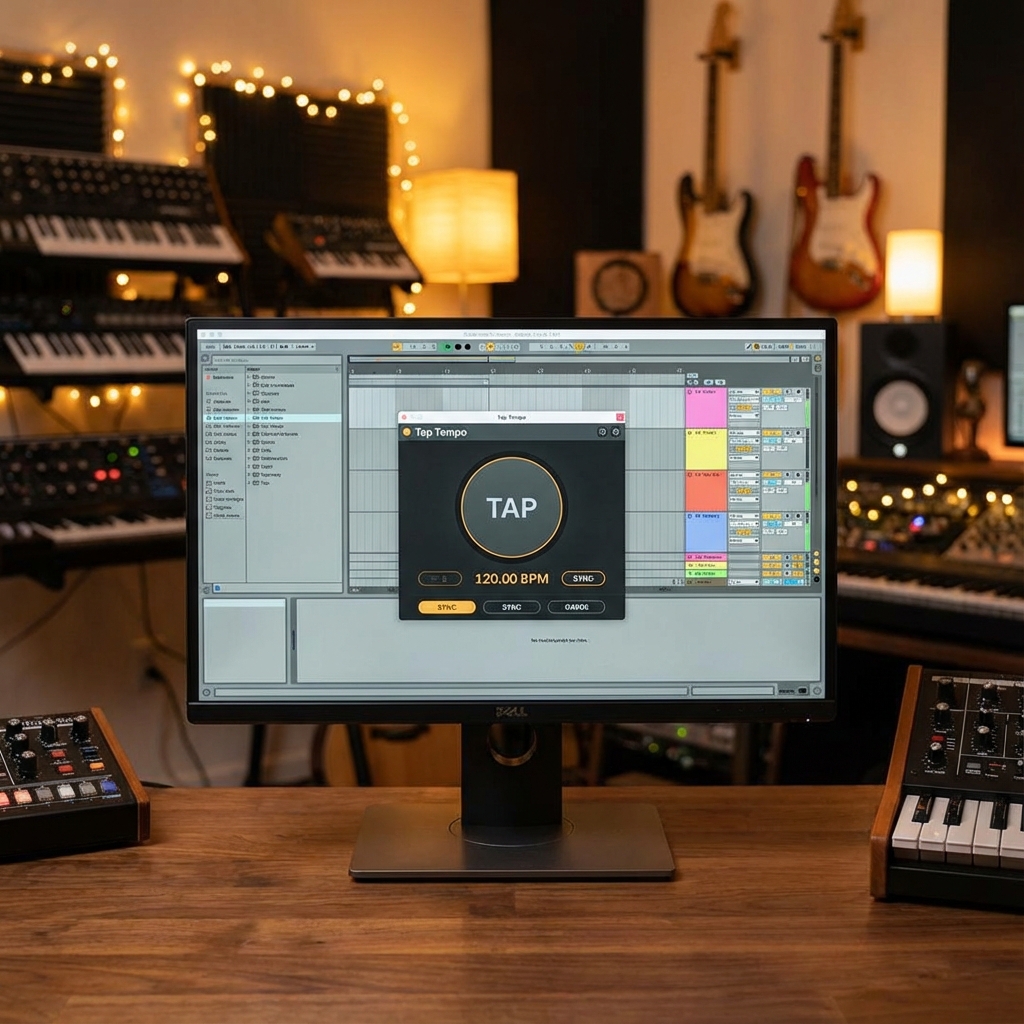
You are a hip-hop producer. You found an amazing sample from an obscure Italian soundtrack. You want to add a trap beat over it. You drag the sample into Ableton Live or FL Studio. The grid is perfectly aligned to 140 BPM. The sample… is not. It drifts off-grid immediately.
The Workflow:
- Play the sample.
- Open your DAW’s “Tap Tempo” function.
- Close your eyes and tap the ‘T’ key on your keyboard along with the sample.
- The DAW tells you: “This sample is roughly 92 BPM.”
- Now you can stretch the audio to fit your grid, or change your project tempo to 92 to match the sample.
The Medical Application: Saving Lives
It is not just about sick beats. It is about heartbeats. EMTs, nurses, and doctors use the concept of tap counting daily. While hospital monitors do this automatically, in the field (an ambulance, a sports field), you don’t have a monitor.
Pulse Checking: A nurse holds a patient’s wrist. They count the thumps.
- Old Way: Count for 60 seconds. (Too slow).
- Fast Way: Count for 15 seconds, multiply by 4.
- Tech Way: Use a “Heart Rate Tap” app. Tap the screen every time you feel a pulse. Within 5 seconds, the app gives you a stabilized Heart Rate (e.g., 72 BPM). This allows for rapid triage in emergency situations.

Fitness and Running Cadence
Runners are obsessed with Cadence (steps per minute). A low cadence (over-striding) leads to knee injuries. A high cadence (170-180 BPM) is efficient and safe. Runners use tap counters (or smartwatches) to measure their current rhythm.
- Training Hack: Find a Spotify playlist labeled “180 BPM.” Run to the beat. Your feet land every time the bass kicks. It effectively forces your body into an efficient form.
How to Get the Most Accurate Reading
Not all tapping is created equal. To get a “clean” BPM reading, follow these rules:
1. The “Reset” Rule
Always wait 2 seconds before starting a new count. Most algorithms have a “timeout.” If you tap for Song A (120 BPM), stop, and then immediately tap for Song B (90 BPM), the first few averages will be a messy mix of both.
2. Four is the Magic Number
One tap tells you nothing. Two steps give you an interval. Three gives you an average. Four gives you stability. Most professional hardware (like Pioneer mixers) requires 4 taps to calculate.
3. Tap the Downbeat
In a 4/4 measure (ONE-two-three-four), try to tap on the “ONE.” Or tap on every beat. Do NOT tap syncopated rhythms (tapping the “and” of the beat). The computer assumes you are tapping quarter notes. If you tap 8th notes, it will think the song is double speed.
- Example: A 100 BPM Hip Hop track.
- Wrong Tapping: Tapping the hi-hats (double time). Result: 200 BPM.
- Right Tapping: Tapping the kick/snare. Result: 100 BPM.
Hardware vs. Software Counters
Web-Based (free): Tools like All8 are legendary in the producer community. They are simple, accurate to 2 decimal places, and load instantly.
Mobile Apps: Great for “crate digging” in record stores. You are listening to a vinyl on the listening station. You check the BPM with your phone to see if it will fit into your DJ set.
Hardware (Mixers/Drum Machines): These are hardwired. They often control the internal effects engine. If you tap “128”, the delay echo trails will last exactly one beat at 128 BPM.
Conclusion
The BPM Tap Counter is the bridge between the fluid, imperfect world of human performance and the rigid grid of modern technology. Whether you are trying to sync a delay pedal to a live drummer, match two records in a nightclub, or ensure a patient’s heart is beating steadily, mastering the art of the tap is an essential skill. It proves that even in an age of automation, the human sense of rhythm is the ultimate master clock.
? Frequently Asked Questions
What is the average BPM of a heart rate?
How to calculate BPM manually?
What is the BPM of a walking pace?
Difference between BPM and Tempo?
Best apps for BPM tapping?
Why is BPM important in CPR?

About Azeem Iqbal
We are dedicated to providing accurate, easy-to-understand information. Our goal is to help you minimize effort and maximize results.