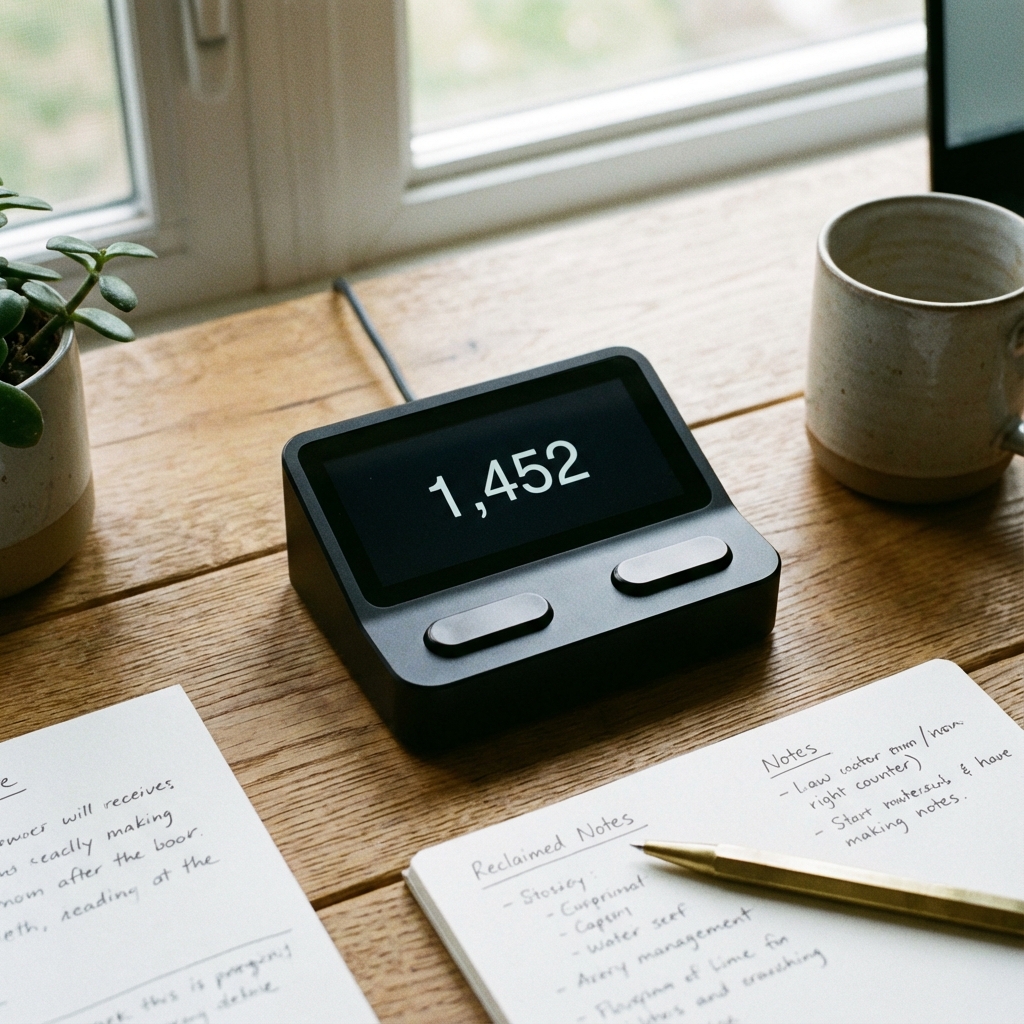
Building Your Own Tap Counter: A Beginner Coding Guide
Want to learn to code? A Tap Counter is the perfect "Hello World" project. We break down the logic of building a simple clicker in HTML and JavaScript.
Azeem Iqbal
Contributor
Building Your Own Tap Counter: A Beginner’s Coding Guide
So, you want to be a web developer? You could watch 50 hours of tutorials, or you could build something. A Tap Counter is the canonical “First Project” for front-end developers. It covers all the basics: variables, functions, event listeners, and DOM manipulation.
In this guide, we won’t give you the copy-paste code. We will explain the logic of how a tap counter works under the hood.
The Logic flow
A counter app does three things:
- State: It remembers a number (e.g.,
count = 0). - Event: It waits for you to click a button.
- Update: When clicked, it does
count = count + 1and updates the screen.
Step 1: The HTML (The Skeleton)
You need a place to show the number and a button to click.
<h1>0</h1>
<button>Tap Me</button>
That’s it. It’s ugly, but it exists.
Step 2: The JavaScript (The Brain)
This is where the magic happens. We need to tell the computer: “Hey, find that Button. When someone clicks it, grab the Number, add 1, and show it again.”
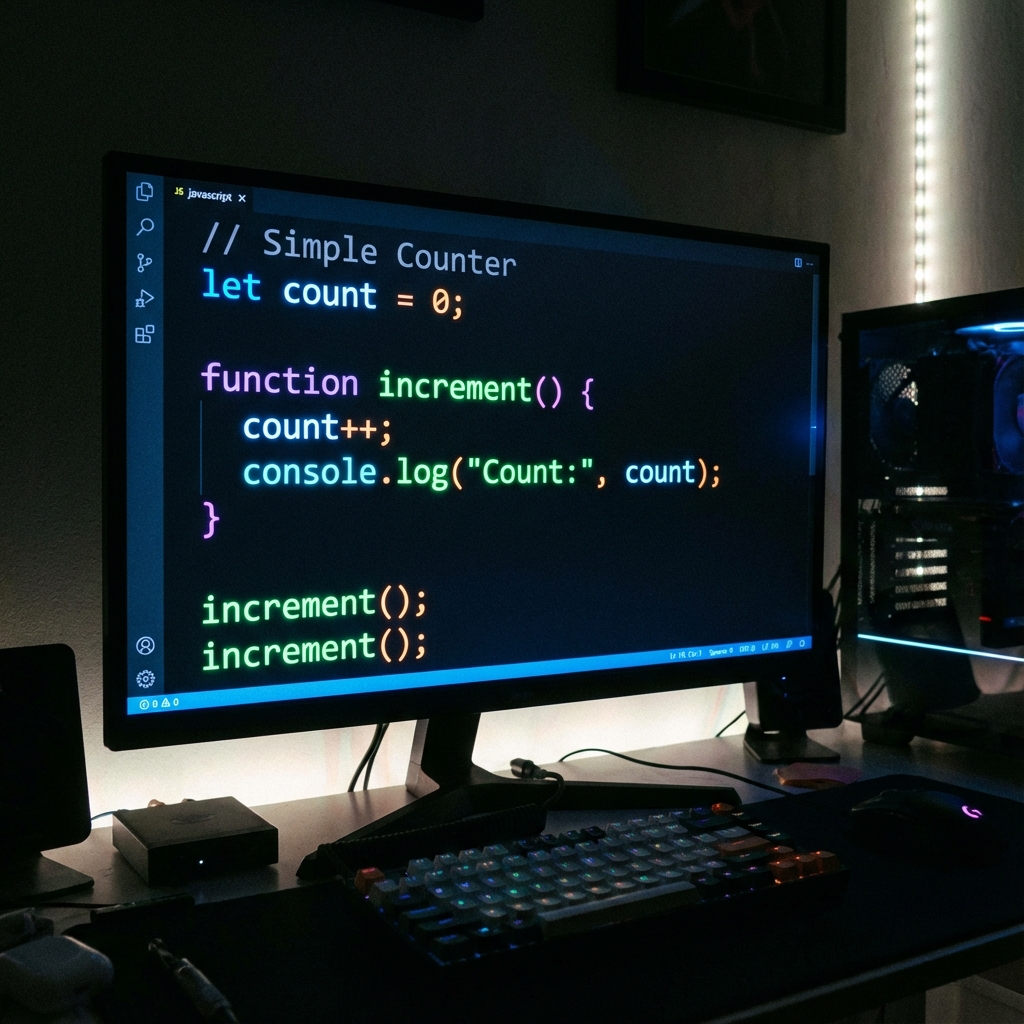
The code logic looks like this:
let count = 0; // The State

function increase() {
  count++; // Add 1
  document.getElementById("number").innerText = count; // Update Screen
}
Step 3: LocalStorage (The Memory)
The problem with the code above? If you refresh the page, the count goes back to 0.
To make a useful counter (like a Tasbeeh or row counter), it needs to remember.
Browsers have a tiny database called localStorage.
- Save: Every time we click, we tell the browser: “Save ‘count’ permanently.”
- Load: When the page loads, we ask: “Do you have a saved number?” If yes, start there.
Why This Project Matters
Building a tap counter teaches you the fundamental concept of State Management. Whether you are building a To-Do list, a shopping cart, or Facebook, it’s all just fancy versions of a Tap Counter.
- Facebook Like Button? That’s a tap counter.
- Twitter Retweet count? That’s a tap counter.
- Amazon Cart Item count? That’s a tap counter.
Conclusion
Don’t just use tools, build them. Open a text file, write those ten lines of code, and watch your own custom counter come to life. It’s the first step into a larger world.
? Frequently Asked Questions
What language do I need to build a counter?
Is it hard?
How do I save the count?

About Azeem Iqbal
We are dedicated to providing accurate, easy-to-understand information. Our goal is to help you minimize effort and maximize results.